
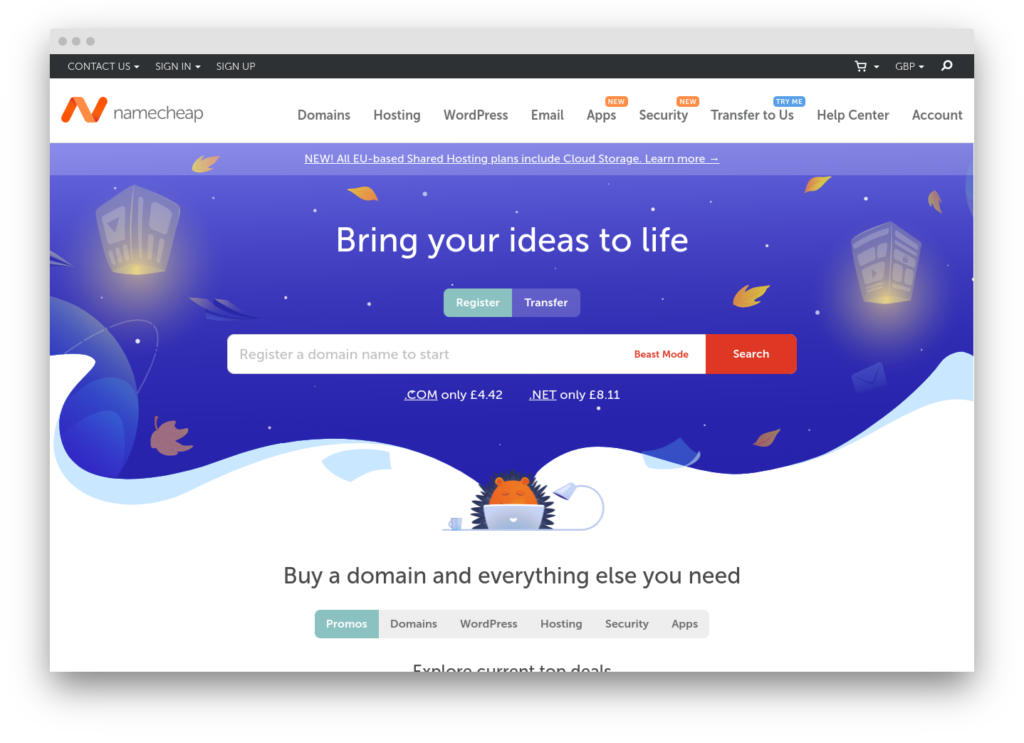
Namecheap includes free email forwarding with every domain registration. It is not a standalone forwarding service in the style of ImprovMX or Forward Email; it is a registrar feature available to Namecheap customers using BasicDNS, PremiumDNS, or FreeDNS. Up to 100 forwarding aliases per domain, catch-all support, and automatic MX record configuration. No SMTP sending, no API, no logs.
The forwarding is receive-only. Mail sent to [email protected] forwards to an existing inbox (Gmail, Outlook, anything). Sending from the custom domain address requires either Namecheap’s paid Private Email service or a third-party provider.
(For a category overview, see the email forwarding services roundup.)
Where Namecheap forwarding fits in a WordPress stack
Namecheap forwarding handles the same inbound routing role as any other forwarding service: if [email protected] needs to reach a personal inbox, it routes the mail. The difference is that it requires no separate account, no additional DNS configuration, and no cost beyond the domain registration.
Namecheap forwarding is not a WordPress transactional relay and does not provide SMTP sending at all. WordPress sites need a dedicated sending service (Postmark, SMTP2GO, Mailgun) for outbound email. The forwarding feature and the sending service are separate concerns that coexist without conflict.
Setup
Enabling email forwarding in the Namecheap dashboard automatically configures the necessary MX records. No manual DNS editing is required.
- Sign in to the Namecheap dashboard.
- Navigate to Domain List, select the domain, and click Manage.
- Under the Email Forwarding section, add aliases (e.g.
[email protected]→[email protected]).
Namecheap manages the MX records internally; they are not user-configurable for the free forwarding feature. Enabling forwarding overrides any existing MX records for the domain, which means you cannot run Namecheap forwarding alongside a separate mail provider on the same domain. If your domain already uses external MX records (e.g. for Google Workspace or Fastmail), enabling Namecheap forwarding will break that configuration.
Catch-all (wildcard) addresses are supported. Any email sent to an address not explicitly configured as an alias is routed to the catch-all destination.
Namecheap manages the MX records rather than publishing values you paste yourself, so the right way to confirm forwarding is live is to read what receivers actually resolve. The DNS auth checker queries the domain’s live MX, SPF, and DKIM the way Gmail and Microsoft 365 do, and confirms Namecheap’s records are answering before you route real mail through them.
Limitations
100 alias cap. Each domain supports up to 100 forwarding aliases on BasicDNS. For domains requiring more aliases, a standalone forwarding service (ImprovMX free: 25 aliases per domain; paid: 100+) or Forward Email (unlimited) is needed.
No SMTP sending. Forwarding is receive-only. Replies sent from Gmail or Outlook will show the personal email address, not the custom domain address, unless a separate sending solution is configured.
No SRS/DKIM. Namecheap’s free forwarding does not sign forwarded messages with DKIM and does not apply SRS (Sender Rewriting Scheme). Forwarded messages may fail SPF or DKIM alignment at the destination, depending on the original sender’s DMARC policy. For domains that receive significant external mail, this increases the risk of forwarded messages landing in spam. Standalone forwarding services like ImprovMX, Forward Email, and ForwardMX all implement SRS and DKIM to address this.
Namecheap domains only. The forwarding feature is tied to Namecheap’s DNS management. Domains registered elsewhere cannot use it.
No API, no logs, no webhooks. The forwarding configuration is managed exclusively through the Namecheap dashboard. There is no programmatic access, no delivery logs, and no webhook support.
The verdict
Namecheap’s free forwarding is the zero-cost default for Namecheap domain customers who need basic inbound routing. It works, it costs nothing, and it requires no external account. For single-domain personal use where the only need is [email protected] reaching a personal inbox, it is the path of least resistance.
The limitations are real: no SMTP sending, no SRS/DKIM on forwarded messages, no API, 100 alias cap, and Namecheap domains only. For operators who need deliverability assurance on forwarded mail, SMTP sending, or multi-registrar forwarding, ImprovMX (free tier) or Forward Email (free tier) are better choices. Namecheap forwarding is a registrar convenience feature, not a standalone forwarding product.