
For a WordPress site that needs email at a custom domain, the best email forwarding service turns on two questions: is the domain on Cloudflare, and do you need to send from the domain as well as receive at it? If your domain is on Cloudflare and you only need to receive, Cloudflare Email Routing is free and the default. If you need to send from the domain as well, Forward Email‘s Enhanced plan at $3/month is the cheapest option that actually works. If the underlying need is a real mailbox on the domain rather than an alias to Gmail, Fastmail is the answer at €5/month.
For WordPress operators, forwarding solves a specific problem: the site needs a domain-matched address (mapping a custom-domain address like [email protected] to an inbox you already have, such as Gmail) for A transactional email is the automated message a WordPress site sends in response to a single user action – a password reset, an order confirmation, a form receipt – addressed to the user who triggered it. Read full reference → reply-to headers, contact form notifications, and WooCommerce order emails. Forwarding handles the inbound half, receiving replies and bounces at your domain. The outbound half, actually sending mail as your domain, requires either a forwarding service with SMTP capability or a separate transactional email provider. That distinction, forwarding-only versus forwarding-with-sending, is the axis every pick above turns on.
At a glance
| Service | Free tier | SMTP sending | Starting price | SRS |
|---|---|---|---|---|
| Cloudflare Email Routing | Yes (unlimited) | No (beta Email Sending is separate) | Free | Yes |
| ImprovMX | Yes (1 domain) | Paid tiers | $50/yr | Yes |
| Forward Email | Yes (unlimited domains) | $3/mo+ | Free | Yes |
| ForwardMX | No | All tiers | $30/yr | Yes |
| Mailwip | No | $6/mo+ | $10/yr | Yes |
| EmailForwardMX | No | All tiers | €30/yr | Yes (via ForwardMX) |
| Fastmail | No | Full mailbox | €5/mo | Manual |
| Mailbox.org | No (30-day trial) | Full mailbox | €3/mo (annual) | No (mailbox host) |
| SimpleLogin | Yes (10 aliases) | Reply-only | $4/mo | Yes |
| Porkbun | Yes (20 aliases/domain) | No | Free ($3/addr/yr extras) | Not documented |
The sending problem
A forwarding service that only handles inbound mail is useful but incomplete for WordPress. WordPress sends email: password resets, form notifications, order confirmations. Those outgoing messages need to come from your domain and authenticate correctly (SPF, DKIM, DMARC), which means routing through an SMTP relay.
Some forwarding services include SMTP sending. Others do not. If yours does not, you need a separate transactional provider (Postmark, SMTP2GO, Brevo, Amazon SES) and a mailer plugin to handle the outbound path.
The two can coexist on the same domain without conflict. Your MX records point to the forwarding service (handling inbound), while your SPF and DKIM records authorise the transactional sender (handling outbound). Different DNS record types, different directions of traffic.
For the full architecture of how WordPress email works, see How Email Works: A WordPress Operator’s Reference.
Why SRS matters for forwarded mail
When a forwarding service receives mail at your domain and relays it to your real inbox (say, Gmail), the forwarded message originates from the forwarding service’s servers, not from the original sender’s. If the original sender published an SPF record (most do), Gmail checks the forwarding server’s IP against that SPF record and it fails, because the forwarding service is not an authorised sender for the original domain.
Sender Rewriting Scheme (SRS) solves this by rewriting the envelope sender address during forwarding, so the SPF check at the destination evaluates the forwarding service’s domain instead of the original sender’s. Without SRS, forwarded mail that passes DKIM may still fail SPF, and if the original sender’s DMARC policy is reject, the message can be dropped entirely.
In practice: Cloudflare, ImprovMX, ForwardMX, Forward Email, and Mailwip all document SRS support explicitly. When evaluating a forwarding service, check for SRS; its absence produces intermittent authentication failures that are hard to diagnose because they depend on the sending domain’s DMARC policy.
The services
Cloudflare Email Routing

Free on all Cloudflare plans, including the free tier. The requirement: your domain must use Cloudflare as its authoritative nameserver.
Cloudflare Email Routing handles inbound forwarding only. Create aliases (or a catch-all), point them at your real inbox. No alias limits or daily volume caps are documented. The service implements SRS for envelope sender rewriting and adds its own DKIM signatures to forwarded messages: one for Cloudflare’s rewriting domain (email.cloudflare.net) and one for the customer’s domain. It also attaches ARC (Authenticated Received Chain) headers so downstream servers can verify the forwarding chain.
Setup requires MX records pointing to Cloudflare’s mail servers and routing rules configured in the dashboard. If your domain is already on Cloudflare (and given Cloudflare’s CDN and DNS market share, a significant portion of WordPress sites qualify), this is the path of least resistance.
Email Routing does not include SMTP sending. Pair it with a transactional provider and a mailer plugin like WP Mail SMTP or FluentSMTP for outbound mail. The forwarding handles replies and bounces arriving at your domain; the transactional provider handles everything WordPress sends.
Cloudflare’s newer  Email Sending product is not a substitute here. It is still in beta and requires the Workers Paid plan at $5/month for sends to arbitrary recipients (3,000 messages included per month, then $0.35 per 1,000), and it starts new senders on a conservative daily quota that Cloudflare does not publish. Sends to verified destination addresses are free on any plan and never count against the quota, which makes Cloudflare a viable free path for a WordPress mailer that only ever notifies the site owner’s own inbox; it is not a substitute for a real relay when the recipient list is unbounded. For production transactional email in 2026, mature relays like Postmark or SMTP2GO remain the right answer.
The default recommendation for anyone already on Cloudflare. Free, reliable, and the DNS integration removes friction from what is otherwise the fiddliest part of setting up forwarding.
ImprovMX
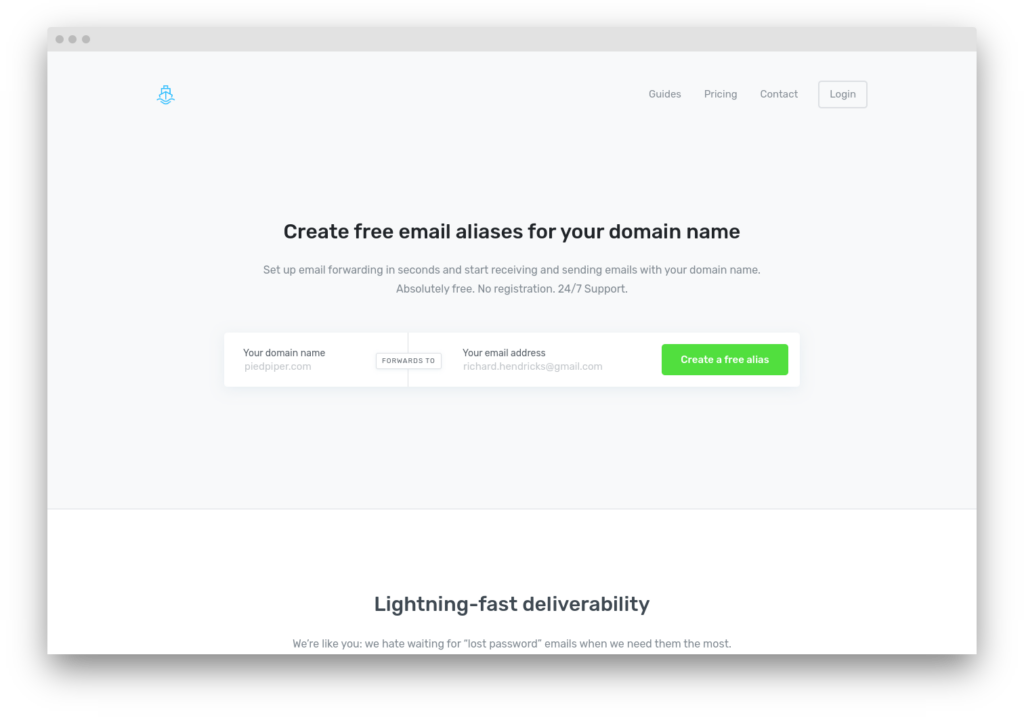
The best-known dedicated forwarding service. The free tier covers one domain with 25 aliases and 500 forwards per day, enough for most single-site WordPress operators who only need inbound. SRS is implemented across all tiers to rewrite the envelope sender so forwarded mail passes SPF at the destination.
The paid tiers add SMTP sending, which makes ImprovMX a plausible all-in-one solution for low-volume WordPress sites. Premium ($9/month) includes 6,000 SMTP sends per month across up to 30 domains. For a WordPress site sending a few hundred transactional emails per month, this eliminates the need for a separate provider.
SMTP configuration in WP Mail SMTP, Post SMTP, or FluentSMTP uses ImprovMX’s standard relay settings, the same host/port/authentication pattern as any external SMTP service. Outbound messages sent through ImprovMX’s SMTP relay are DKIM-signed; setup requires adding the DKIM CNAME records ImprovMX generates in the dashboard. DMARC is a separate authenticator you publish independently.
The right pick for WordPress operators who want forwarding and sending from one service. The free tier is useful for inbound-only on a single domain. At $9/month for Premium, it is more expensive than Forward Email’s equivalent tier but has a longer track record.
Forward Email
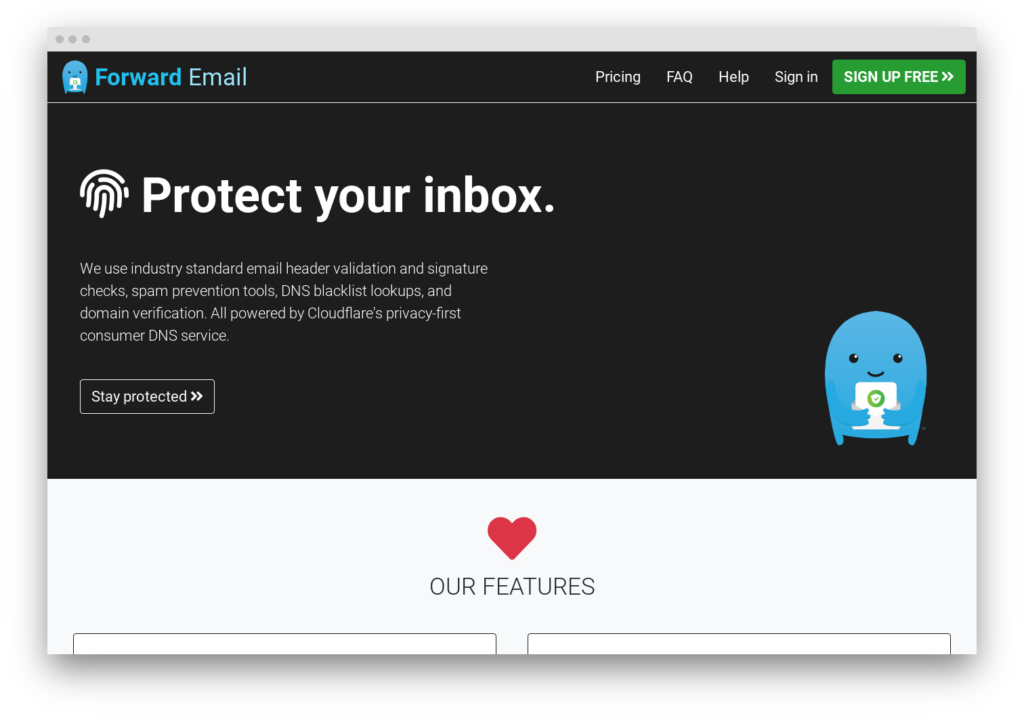
Source-available: the entire codebase is published on GitHub under a dual BUSL 1.1 / MPL 2.0 license, unusual in this category. The free tier handles forwarding with unlimited aliases and unlimited domains. The Enhanced plan ($3/month) adds SMTP sending (300/day, roughly 9,000/month), 10 GB pooled encrypted storage shared across all domains, and API access. Additional 10 GB storage blocks cost $3/month.
The published-codebase angle matters if you care about auditability or if you want to inspect the forwarding infrastructure yourself. For most WordPress operators, the practical differentiator is pricing and the unlimited-domains policy on the free tier. An agency managing forwarding for twenty client domains pays nothing for inbound and $3/month if any of those domains also needs SMTP sending. Forward Email supports SPF, DKIM, DMARC, and SRS for authentication.
SMTP relay credentials work with WordPress mailer plugins the same way any external relay does.
The cheapest forwarding-with-sending option, and it works. The published codebase is a real differentiator; the code is auditable, though the BUSL 1.1 license restricts running a competing commercial service. The unlimited-domains free tier is the most generous policy in the category for agency operators.
ForwardMX

No free tier. The Personal plan covers a single domain at $30/year with a 100-alias cap. The Starter plan is $6/month ($72/year billed annually) with up to 30 domains and unlimited aliases. Pro ($18/month) scales to 125 domains, Business ($30/month) to 250. All plans include SMTP sending, DKIM, SPF, SRS, and catch-all forwarding. Mailboxes can be added at $2/month per 5 GB.
ForwardMX differentiates on the 30-day money-back guarantee and the unlimited-aliases policy from Starter upward.
A solid multi-domain option at the Starter tier. For single-domain use, the $30/year Personal plan is reasonable but faces stiff competition from ImprovMX’s free tier (forwarding only) and Forward Email Enhanced at $36/year (forwarding plus sending). The no-free-tier policy means no low-risk way to evaluate before committing, though the 30-day guarantee mitigates this.
Mailwip (formerly Hanami)
A small independent service (three-person team) rebranded from Hanami. Five tiers from Lite ($10/year, 1 domain) to Business ($100/month, variable domain count, IMAP). SMTP sending is available on Professional ($6/month) and above, with a 300 sends/day cap on Professional and Team plans (matched by Forward Email’s cap, well below ImprovMX Premium’s ~200/day equivalent from 6,000/mo and Pro’s ~1,000/day from 30,000/mo).
The distinctive features are developer-oriented: email webhooks, an incoming mail API, and Rails Action Mailbox integration. Worth considering if you need webhook-driven inbound email processing alongside forwarding, a niche Cloudflare and ImprovMX do not serve.
For webhook-driven inbound or Rails Action Mailbox integration, Mailwip is the pick in the roundup. For plain forwarding-and-sending on a single WordPress site, ImprovMX and Forward Email cover the same job with better-documented setup paths.
EmailForwardMX

Budget-priced forwarding at €30/year for a single domain, with higher tiers scaling to 25, 125, and 250 domains for multi-domain operators. Unlimited forwarding volume, catch-all support, and API access. A “Blackhole” filter discards specific aliases without forwarding them onward, useful for shutting down addresses that attract spam. All tiers include SMTP sending on the same relay ForwardMX uses; the two brands are sister services under the same UK company (ForwardMX Limited, Companies House 16595089).
The EUR-priced sister of ForwardMX. Feature parity between the two brands is close enough that the choice comes down to preferred billing currency; there is no meaningful feature reason to pick one over the other.
Fastmail

Fastmail is a full hosted email provider, not a forwarding service. Mailboxes, calendars, contacts, file storage, and a modern JMAP API for custom-domain email. It sits in this roundup because it is the right pick when the underlying need is a real domain-attached mailbox rather than an alias that lands in Gmail.
The distinction matters. Cloudflare, ImprovMX, and Forward Email relay mail arriving at your domain to an inbox you already have. Fastmail is the inbox: IMAP, POP3, JMAP, webmail, calendar, contacts, file storage. For simple forwarding, Fastmail is overkill at €5/month for what ImprovMX and Cloudflare do for free. For a real mailbox on a custom domain with a modern API and privacy aliasing built in, Fastmail is the independent alternative to Google Workspace at roughly the same price.
The other reason Fastmail sits in this roundup: it absorbed Pobox, one of the oldest pure forwarding services (founded 1995), when Fastmail acquired the company in 2015 and completed the full merger on November 12, 2024. Any operator searching for Pobox in 2026 is looking for Fastmail; existing Pobox accounts, aliases, and forwarding rules were migrated to Fastmail without interrupting mail delivery.
Each account supports up to 600 aliases, plus 15 more per user on multi-user plans, and a catch-all on all custom-domain plans. Masked Email auto-generates unique aliases (e.g. [email protected]) that integrate with 1Password and Bitwarden’s browser extensions for signup flows; this is the same privacy-aliasing model as SimpleLogin or AnonAddy, built into the email host rather than bolted on. SRS is supported but not on by default; it requires manual activation in account settings, and Fastmail advises leaving it off unless a specific forwarding problem comes up.
The SMTP relay (smtp.fastmail.com, ports 465/587) will accept authenticated submissions from a WordPress mailer plugin, but Fastmail does not publish sending limits and is not designed as a transactional relay. Use Fastmail for the admin inbox; use a dedicated relay like Postmark or SMTP2GO for WordPress-generated messages.
The right pick when the goal is a real domain-attached inbox rather than an alias to Gmail. Also the destination for former Pobox customers.
Mailbox.org

Mailbox.org is the Berlin-based, Heinlein Group-operated mailbox host that answers the “same shape as Fastmail, but EU-jurisdiction” question. Standard at €3/month annual (€4/month monthly) covers a custom domain with 50 custom-domain aliases and catch-all; Premium at €9/month annual (€12/month monthly) raises the alias ceiling to 250 and multiplies storage. Office and video meetings are included on both tiers. There is no perpetual free tier, only a 30-day trial. The September 2026 adjustment raised private Standard and Premium prices and doubled mail and drive storage at both tiers (new customers 15 July 2026, existing 1 September 2026).
The differentiator is compliance and encryption defaults. Mailbox.org holds a BSI C5 Type 1 attestation issued to Heinlein Hosting GmbH (announced 7 January 2026) and an ISO/IEC 27001:2022 certification. The mailbox Guard feature stores PGP private keys encrypted on Mailbox.org’s German servers and handles PGP/MIME + PGP/Inline decryption and signing server-side; S/MIME is available in the webmailer on every plan. Data residency is Berlin only. For operators subject to German or EU compliance rules (public sector, healthcare, legal), the C5 and 27001 pair is the audit trail Fastmail’s Australian entity cannot produce.
Inbound routing uses four MX records at priority 10 (mxext1 through mxext4.mailbox.org), four DKIM CNAMEs (MBO0001 through MBO0004._domainkey), an SPF include of mailbox.org, and a standard DMARC record. Outbound SMTP lives at smtp.mailbox.org (ports 465 and 587) with an app password. There is no JMAP; the admin API is a proprietary JSON-RPC-style endpoint at api.mailbox.org that covers domain, mailbox, and alias management. There is no Masked Email or SimpleLogin-style per-vendor alias generator; aliases are fixed-count and pre-configured.
The right pick when the underlying need is a real hosted mailbox on a custom domain and the operator wants German jurisdiction, native PGP, and audited compliance in the same product. Overkill for [email protected] forwarding to Gmail (use ImprovMX or Forward Email for that). Pair with a dedicated transactional relay for anything WordPress itself generates.
SimpleLogin

Owned by  Proton since 2022 and hosted in Switzerland and France. The free tier covers 10 aliases against SimpleLogin-supplied subdomains; the $4/month Premium tier ($36/year) unlocks unlimited aliases across unlimited custom domains, plus PGP and a bundled Proton Pass Premium subscription.
SimpleLogin is a privacy-aliasing service first and a domain-forwarding service second. Its distinctive mechanic is the reverse alias: when a forwarded message lands in your inbox, replying through SimpleLogin routes the response back through the alias so the counterparty never sees your real address. Bulk SMTP relay for outbound WordPress mail is not part of the product; use it for per-vendor identities (a distinct alias for MailChimp, another for the site’s contact form, another for hosting-provider notifications), not as the transactional path.
The other reason to consider it: the whole stack is AGPL v3 on GitHub and documented for self-hosting. For operators who want the aliasing model on their own infrastructure rather than a third-party service, SimpleLogin is the only pick in this roundup with a serious self-hosted option.
For per-vendor privacy aliases on a custom domain, and for operators who might eventually self-host. Not a substitute for Cloudflare, ImprovMX, or Forward Email when the job is a single domain-matched address for WordPress transactional replies. Fastmail‘s Masked Email covers the same ground for operators already paying for a Fastmail mailbox.
Porkbun

Twenty free forwarding aliases per domain, with additional aliases at $3/address/year. Unlike Namecheap’s forwarding (which requires the domain be on Namecheap DNS) and Cloudflare Email Routing (Cloudflare must be the authoritative nameserver), Porkbun’s forwarding works on any domain regardless of registrar or DNS host: point MX records at fwd1.porkbun.com and fwd2.porkbun.com, add rules in the Porkbun dashboard, mail routes through.
Forwarding is receive-only. No SMTP relay for sending, no catch-all, no wildcard, and Porkbun does not document SRS or DKIM signing on forwarded mail. Sending from the custom-domain address requires either Porkbun’s paid hosted email ($3/month per mailbox, a separate product) or a transactional relay configured in a WordPress mailer plugin.
The right pick for a WordPress operator whose domain is not on Cloudflare and not registered at Namecheap, and whose need is a handful of role addresses rather than aliasing per vendor. Twenty aliases per domain is a real ceiling, but the “works on any registrar’s domain” property is what fills the gap ImprovMX also covers on its free tier while requiring an account signup. For catch-all support, SRS-protected deliverability, or SMTP send-as, Forward Email or ImprovMX go further.
Registrar forwarding
Domain registrars often include basic email forwarding with registration. Namecheap offers free forwarding on Namecheap-registered domains. Squarespace Domains provides email forwarding with up to 100 addresses per domain (it absorbed Google Domains’ customer base after Google shut the registrar in September 2023; existing forwarding rules migrated automatically, though users on custom nameservers may need to update DNS records). Porkbun sits between the two categories: registrar-bundled but portable, as covered above.
Registrar forwarding is receive-only: mail routes to your inbox, but no SMTP credentials are provided for sending. For WordPress sites, this means a separate transactional email provider is still required for outbound mail. Registrar forwarding is a reasonable choice when inbound is the only need and the domain is already registered with a provider that includes it.
Which to pick
“I just need to receive email at my domain.” Cloudflare Email Routing if your domain is on Cloudflare (free, reliable, SRS included). ImprovMX free tier if it is not (one domain, 25 aliases). Forward Email free tier for multiple domains. Porkbun if the domain is registered anywhere and you want twenty aliases with no account signup beyond the domain registration.
“I need to send and receive from my domain, low volume.” Forward Email Enhanced ($3/month) is the cheapest option with both forwarding and SMTP sending. ImprovMX Premium ($9/month) if you prefer a more established service or need up to 30 domains with sending.
“I manage multiple client domains.” Forward Email’s free tier (unlimited domains for forwarding) plus a shared transactional provider for outbound. Or ImprovMX Pro ($24/month, 100 domains) if you want sending bundled per-domain.
“I want a real mailbox on the domain, not an alias to Gmail.” Fastmail (€5/month) provides a hosted mailbox on custom domains, catch-all forwarding, and privacy-aliasing via Masked Email. It is also the successor to Pobox: former Pobox customers were migrated to Fastmail when the Pobox merger completed in November 2024. Pair it with a dedicated transactional relay for WordPress-generated mail.
“I want a real mailbox on the domain, hosted in the EU with compliance certifications.” Mailbox.org is the Berlin-based counterpart to Fastmail: Standard at €3/month annual (€4/month monthly), custom domains with 50 aliases (250 on Premium), catch-all, and server-side PGP through mailbox Guard. Holds BSI C5 Type 1 and ISO/IEC 27001:2022, which is the audit trail Fastmail’s Australian entity cannot produce. Same trap on outbound: pair it with a dedicated transactional relay for WordPress mail.
“I want a distinct email address per vendor on my own domain.” SimpleLogin Premium ($4/month) gives unlimited aliases across unlimited custom domains, reverse-alias replies, and a Proton Pass subscription in the bundle. It is a privacy-aliasing service, not a transactional relay, so keep a mailer plugin and provider in the WordPress stack for outbound mail.
“I want the simplest possible setup.” Cloudflare Email Routing for inbound, plus any transactional provider (SMTP2GO, Postmark, Brevo) for outbound via a mailer plugin. Two services, each doing one job well.
Pricing verified 16 August 2026; roundup rewritten with picks-first lead and Fastmail addition on 25 August 2026; SimpleLogin section added and eight-entity reconciliation on 2 September 2026; Porkbun added and Mailbox.org added on 13 September 2026. Services update plans without notice; check provider pricing pages before committing.