
Yes, free SMTP for a WordPress site is a real thing, and for most sites it is the right call. Password resets, contact-form confirmations, the odd WooCommerce order receipt – most WordPress sites send fewer than a few hundred of these a month, and at that volume several proper email services will handle the whole workload at $0 in perpetuity. For typical WordPress transactional volume, the default recommendation is SMTP2GO: 1,000 emails a month, no expiry, no branding stamped into the message, no marketing overhead. The rest of this page covers when something else is the better fit.
The category is smaller than aggregator listicles claim. Search for “free SMTP” and every generative summary and every top-10 post pads its count with expired trials, developer sandboxes, and services that retired their free tier years ago. The honest list is thirteen providers deep, and even inside “permanent free tier” the shapes vary: two providers stamp branding into the message footer, two are mailboxes rather than transactional relays, and three carry a 100-emails-per-day cap that turns the tier into a de-facto trial once traffic clusters. For the concept side of the same question, meaning why open and unauthenticated SMTP no longer delivers and what “free” actually means in the current delivery graph, see free and unauthenticated SMTP servers in 2026.
Why any of this beats letting WordPress send through PHP’s built-in mail() function is a separate question, covered in How to set up email on WordPress alongside the DNS records and the SMTP plugin needed on the WordPress side. The short version: a proper SMTP provider signs the message so it authenticates against the site’s domain, and surfaces the bounces the built-in path drops silently.
Want to filter this list yourself by daily cap, monthly cap, permanent-vs-trial, or provider branding? The interactive free-tier comparator runs the same dataset behind the reviews below and lets you narrow to the providers that fit your traffic.
Permanent, trial, and sandbox: the distinction that matters
Not all $0 tiers behave the same way. Three categories exist, and conflating them produces decisions that fail in week nine.
Permanent free tiers have no documented expiry. Sign up, configure SMTP, send mail indefinitely within the published limits. The provider may change the terms in future, but the plan is positioned as ongoing free usage, not as evaluation.
Trial tiers offer $0 access for a fixed window. SendGrid’s 60-day trial is the canonical example: 100 emails/day for two months, then the free access ends. A site configured during the trial stops sending on day 61 unless it upgrades.
Testing sandboxes offer ongoing $0 access but explicitly prohibit production use. Postmark’s developer sandbox caps at 100 emails/month with no overages allowed; the documentation is clear that the sandbox exists to let developers verify their integration before paying, not to run a live site.
The roundup below groups providers accordingly. Trials and sandboxes appear in their own section so they do not get treated as alternatives to genuine permanent free plans. All thirteen providers, side by side:
Name Free Tier Notes Entry Price SMTP2GO Permanent free tier: 1,000 emails/month with a 200/day cap, no credit card, no branding, no time limit, 5-day reporting 10 Brevo (Sendinblue) Permanent free tier: 300 emails/day, full SMTP and API access, no credit card. Shared cap between marketing campaigns and transactional sends on the account. 9 Elastic Email Permanent free tier: 3,000 emails/month with a 100/day cap; SMTP relay and Email API access, plus 1,000 contacts for the marketing side 19 Resend Permanent free tier: 3,000 emails/month, 100/day, no time limit, 3 domains 20 Bird (formerly MessageBird, formerly SparkPost) Permanent free tier: 1,000 emails/month, no credit card required at signup (per bird.com/en-us/products/email/sparkpost) 15 Mailgun Permanent free tier: 100 emails/day, RESTful API + SMTP, 1 custom domain 15 Netcore Email API (formerly Pepipost) Permanent Forever Free Plan: first month 30,000 email credits with a 1,000/day cap, then 100 emails/day thereafter. — Gmail Permanent free tier: 500 emails/day for consumer @gmail.com accounts. OAuth2 or App Password auth. DKIM is signed by Google on gmail.com (no custom-domain DKIM without Workspace). 7 Zoho Mail Permanent free tier: up to 5 users, 5GB/user, one custom domain. Mailbox service (not a transactional relay); hourly send limits 50-500/hour apply dynamically. 0 MailPoet Permanent free tier: Starter plan – up to 500 subscribers and 5,000 emails/month via the MailPoet Sending Service. MailPoet branding on emails; free MailPoet Sending Service included. 0 SendGrid Trial only: 100 emails/day for 60 days, then the trial expires. Not a permanent free tier. 19.95 Postmark Test/sandbox tier: 100 emails/month, testing only – no overages allowed and no production use. 15 Mailjet Permanent free tier: 6,000 emails/month with a 200/day cap. Mailjet logo appears on free-tier emails; Essential plan removes it. 9
Permanent free tiers
These providers offer ongoing $0 access with no documented expiry. Volume limits apply, but within those limits a WordPress site runs in production indefinitely without paying.
SMTP2GO
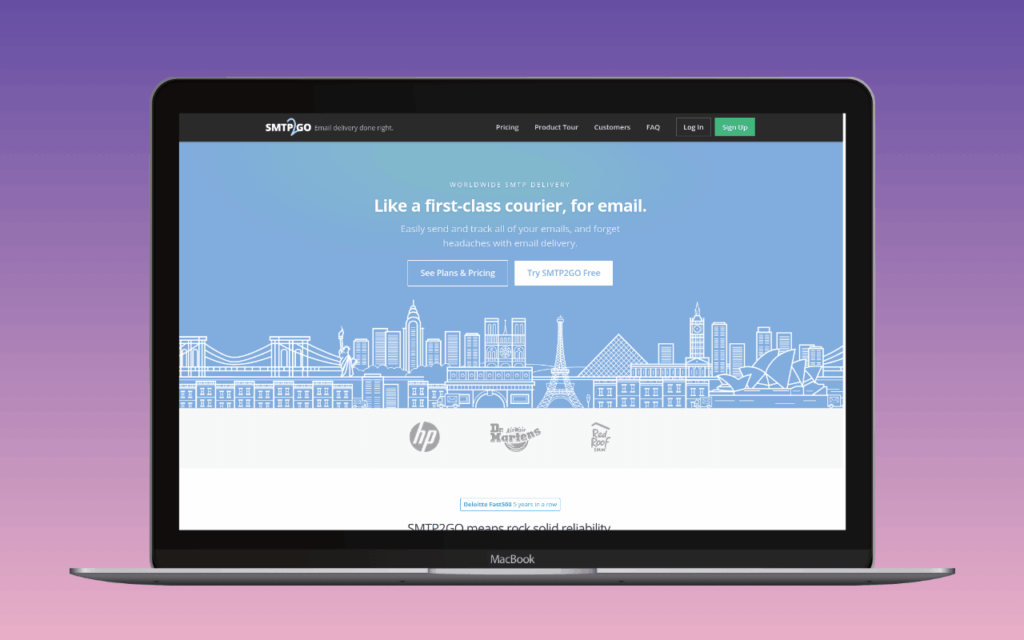
The default. 1,000 emails/month with a 200/day cap, no credit card, no branding inserted into messages, no time limit. The free tier shares the reporting dashboard and the deliverability infrastructure with paid plans; it is a smaller allowance of the same product, not a deliberately crippled trial.
For a WordPress site sending password resets, form confirmations, and the occasional WooCommerce receipt, 1,000/month is comfortable. The 200/day cap matters only if the traffic clusters: a flash sale, a bulk subscriber notification, a contact form spike. Sites consistently bumping the cap have outgrown the free tier.
Where SMTP2GO’s free tier stops being the answer: sites that grow past 1,000/month, sites that want marketing automation alongside transactional, or sites that need dedicated IPs (Professional plan and above). The first paid tier is $10/month for 10,000 emails, which is the cleanest upgrade path in this list. For everything else, configure it in WP Mail SMTP or FluentSMTP, add the DKIM and SPF records, and stop thinking about it.
Brevo (Sendinblue)

300 emails per day, no monthly cap, no expiry. That is roughly 9,000 emails a month, well above what most WordPress sites need. No other permanent free tier in this list matches that daily throughput.
The catch is the shape of the platform. Brevo is a marketing-first product that handles A transactional email is the automated message a WordPress site sends in response to a single user action – a password reset, an order confirmation, a form receipt – addressed to the user who triggered it. Read full reference → as a secondary capability, and the free tier’s 300/day allowance is shared between marketing campaigns and transactional sends on the account. A site running both can find the day’s transactional headroom consumed by a campaign blast, with WooCommerce order confirmations queued or rejected as a result. For transactional-only use, the cap is generous; for combined transactional-and-marketing on a busy day, it is the constraint.
The right pick for sites that genuinely want both directions from one account, or for transactional-only sites with sustained volume above SMTP2GO’s 1,000/month but below the point where paying makes sense. The dashboard’s marketing features become noise for the second case; configure SMTP via WP Mail SMTP or FluentSMTP and ignore the rest.
Elastic Email

3,000 emails/month with a 100/day cap, plus 1,000 marketing contacts on the campaign side. SMTP relay and the Email API are both accessible at this tier, and the integration path to paid plans requires no reconfiguration. No branding appended to messages – the constraint here is the cap, not the sender identity.
The 100/day ceiling is the operational catch. Elastic Email’s free plan is generous enough on monthly volume to look like a production tier until a busy day hits the daily wall. Any WooCommerce site running order confirmations, autoresponders, and password resets at real volume will start dropping mail once the day’s 100 is spent. Webhooks and inbound routing are gated to the Pro tier.
The tier fits a staging site, a low-traffic contact form, or a short evaluation to prove the SMTP integration works before moving to the $19/50K Starter. It does not fit a live WordPress site with any transactional rhythm. Elastic Email’s free plan is the cleanest “trial that says permanent” in this comparison: the monthly number looks workable until the daily reality lands. Configure with WP Mail SMTP or FluentSMTP.
Resend

3,000 emails/month, 100/day, 3 custom sending domains, and 30-day log retention. SMTP and API access are both live at the free tier; the WP Mail SMTP integration works identically to Pro. No credit card at signup. Webhooks are included on free – unusual among this list; Elastic Email reserves them for paid tiers.
The catch is that 3,000/month averages exactly 100/day, and Resend’s rate limit lines up with that average with no headroom. A WooCommerce store doing 150 transactions on peak days hits the cap; messages beyond the limit are deferred or rejected. Log retention is 30 days across all tiers, so the free plan keeps the same visibility into deliverability as paid.
The right pick for contact-form-and-password-reset sites, single-author blogs, dev and staging accounts, and any site whose transactional pattern is even across the month. Resend’s API-first setup, clean documentation, and free webhooks make it the right call for projects where the developer is building something beyond a stock WordPress install. Sites with any real sales rhythm should start on Pro.
SparkPost (Bird)
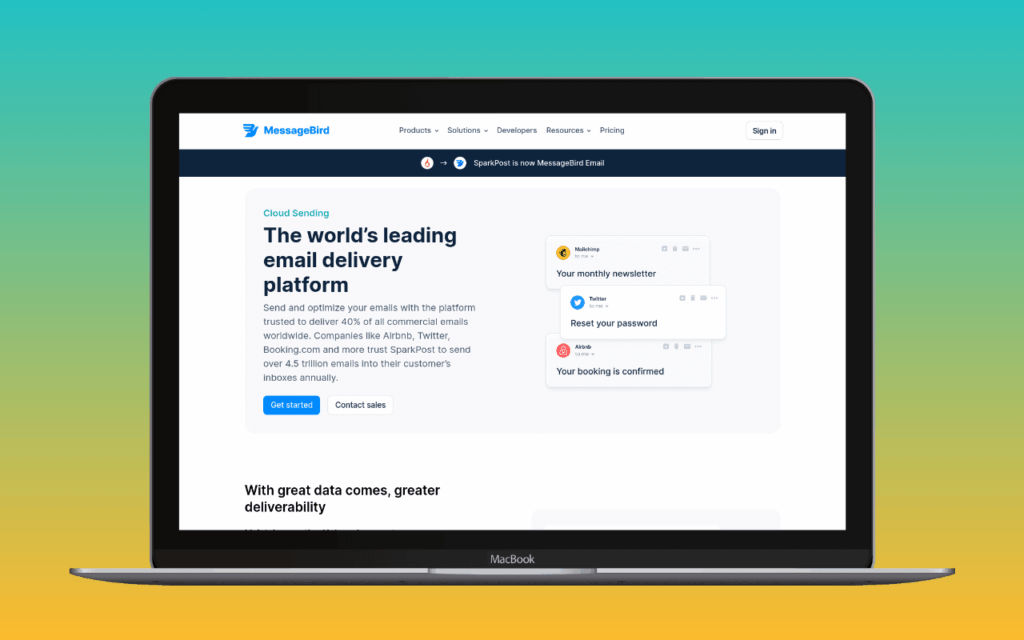
1,000 emails/month via the same API and SMTP endpoint as paid tiers, no credit card required. Unlike most daily-capped free tiers here, SparkPost documents no hard daily rate limit inside the 1,000/month allowance; a burst that fits within the month is not artificially throttled. Deliverability runs on Bird’s shared IP pool at the free tier.
Dedicated IPs are a Growth-tier add-on ($24.95/month) and not available on Free or Startup. Inbound routing is no longer called out on Bird’s current pricing card and should be confirmed with Bird before signing up for inbound-dependent workloads. Webhook support is listed as included on every plan from Free upward. Log retention is 30 days on all plans, per Bird’s current pricing card.
The 1,000/month envelope works out to roughly 33 emails a day on average – enough for a very low-volume site but tight for anything with occasional busy days. The appeal relative to Mailgun or Netcore is the absence of a hard daily cap; the monthly budget absorbs burst days without triggering a separate daily cutoff. The tier fits a small WordPress site sizing up SparkPost’s API and Signals analytics before deciding whether to move to the $15 Startup, and any site whose transactional volume genuinely stays under 1,000/month.
Mailgun
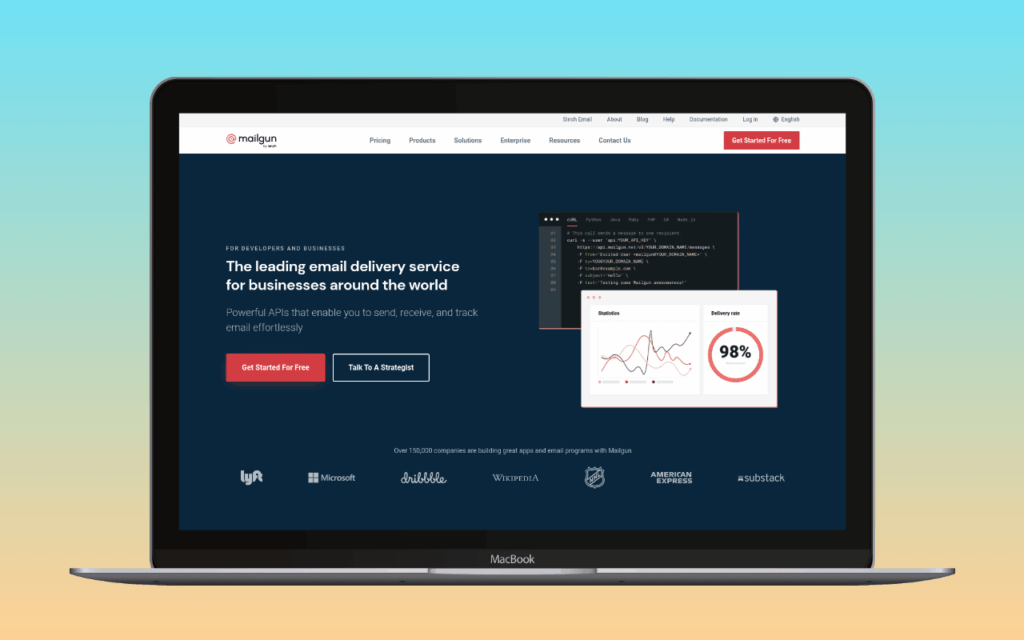
100 emails per day on Mailgun’s permanent free plan, with RESTful API and SMTP access on one verified custom domain. Sinch-owned developer-focused infrastructure; the free tier ships the same delivery surface as the paid plans, capped on volume rather than crippled on features.
The 100/day allowance shares the same constraint shape as Netcore’s: the cap is daily, not monthly. An evening burst of password resets or WooCommerce confirmations can exhaust the day’s headroom even when the monthly average is well under the implicit 3,000-emails-a-month it works out to. Steady low-volume sending fits comfortably; bursty traffic does not.
The first paid tier is $15/month for 10,000 emails, the same entry price as Postmark and 50% more than SMTP2GO’s $10/10K. Mailgun’s paid pricing earns its keep when the application uses what Mailgun adds on top of SMTP: inbound routing, event webhooks, email validation APIs, dedicated IPs on the Scale plan. For sites that just want password resets and contact form notifications to arrive, that developer tooling is unused weight. The right pick on the free tier for WordPress projects where Mailgun is already part of a wider Sinch deployment, or where the developer features will be exercised.
Netcore
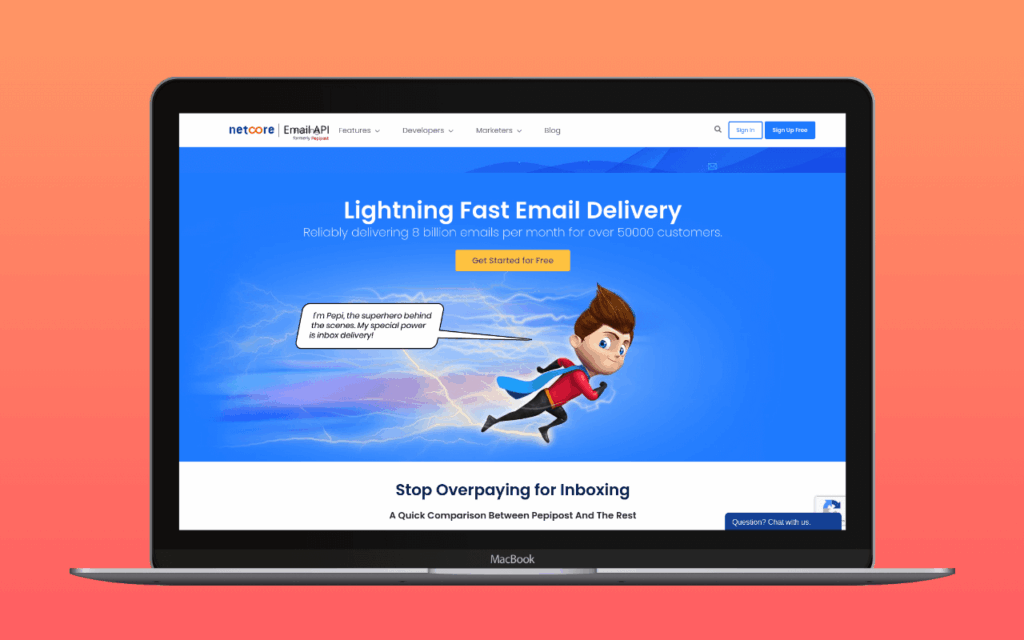
100 emails per day on the perpetual free tier, with a separate 30-day trial that opens up 30,000 emails from a verified domain for initial evaluation. Netcore (formerly Pepipost) is an enterprise transactional API with a developer-focused interface.
The 100/day allowance is the smallest among the permanent tiers in this list: about 3,000 emails per month. Workable for a personal blog or a low-traffic informational site; tight for anything generating WooCommerce traffic, membership signups, or busy contact forms.
A WordPress site that outgrows the 100/day allowance has no clean step-up. Netcore retired its per-email price list; the current Growth tier on /plan-and-pricing/ starts at ₹12,000/month (roughly $126 at ₹95/USD) for 5,000 Monthly Tracked Users, with channel delivery billed separately on top. That is a Customer Engagement Platform bundle rather than a straight relay price, and it lands well above the level where a small WordPress site would sensibly leave a free tier. SMTP2GO’s $10/10K or Brevo’s $9/5K Starter are better fits for the volume range between “fits in a free tier” and “needs an enterprise contract.” For sites pushing into the tens of thousands per month, Amazon SES is the volume-pricing answer. Netcore’s free tier reads more as a sampling mechanism than as a production offering. Worth considering only if the site’s volume fits inside 100/day and the operator specifically wants an India- or EU-residency option.
Gmail
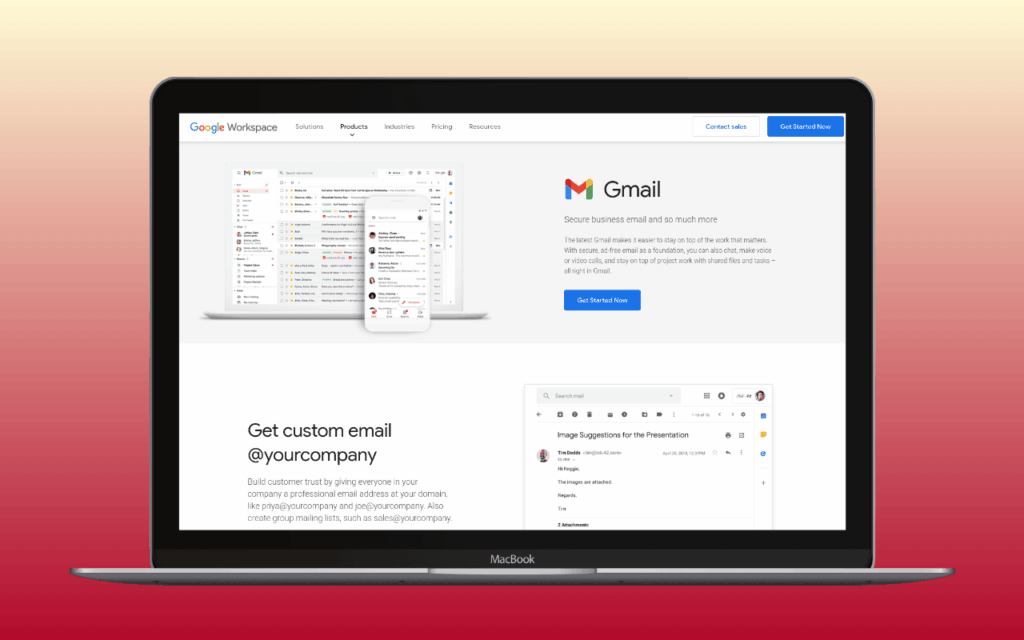
500 emails per day through a free @gmail.com account using SMTP on port 587. Google Workspace accounts get 2,000/day on every paid tier, starting at $7/user/month.
Gmail is not a transactional email service. It is a personal mailbox that happens to expose SMTP. There is no API, no delivery analytics, no bounce handling, no webhook notifications. More consequentially: free Gmail accounts DKIM-sign outbound mail under gmail.com, not under the site’s custom domain. WordPress mail routed through a free Gmail account will not pass DKIM alignment for the site’s domain, which means it will not pass DMARC on alignment-mode policies. For a WooCommerce store, a membership site, or anything where deliverability to non-Gmail recipients matters, a provider that signs under the site’s own domain is the right shape: SMTP2GO, Brevo, or Workspace ($7/user/month) if Gmail is otherwise the desired path.
The honest use case is the “already have it” one: a low-traffic informational site sending a handful of emails a day, where the operator already has a Google account and does not need custom-domain authentication. Configure with OAuth2 (preferred) or an Less Secure App (LSA) access was Google's name for the third-party authentication path that used a plain account password against Gmail's SMTP, IMAP, and POP endpoints. Google shut it down for consumer accounts on 30 May 2022 and for Workspace accounts on 1 May 2025; OAuth, App Passwords, or a different sending provider replace it. Read full reference → in the mailer plugin, and outbound mail routes through Google. Deliverability to Gmail inboxes is reliably good because Google trusts its own infrastructure. Deliverability elsewhere depends on the site’s volume and reputation, which is the part Gmail does not help with.
Zoho Mail
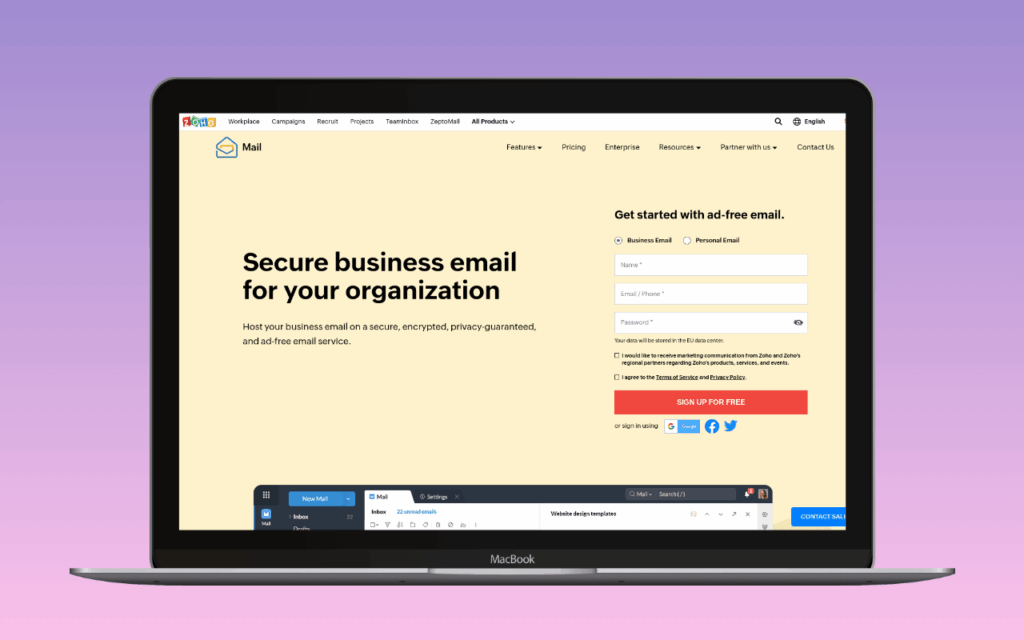
Zoho Mail’s free plan covers up to 5 users with one custom domain and 5GB per mailbox. SMTP access is documented (smtp.zoho.com), but Zoho Mail is a mailbox service, not a transactional relay. Sending limits are throttled by the hour at 50-500 emails, dynamic based on sender reputation, recipient engagement, and contact quality. Hourly enforcement is the only published constraint; no monthly cap is documented.
The hourly throttle is the practical constraint. A flash sale generating 100 WooCommerce confirmations in an hour can hit the cap and queue the rest. Steady, low-volume transactional traffic (a few sends per hour) never sees it.
Worth using as a WordPress sending path only if the site already runs on Zoho for team email and the operator wants WordPress notifications to come from the same address. Chosen on its own merits, providers built for transactional sending (SMTP2GO, Brevo) handle bursty traffic without the throttle and surface bounce webhooks and delivery analytics that Zoho does not.
Adjacent: in-WordPress newsletter sending
MailPoet
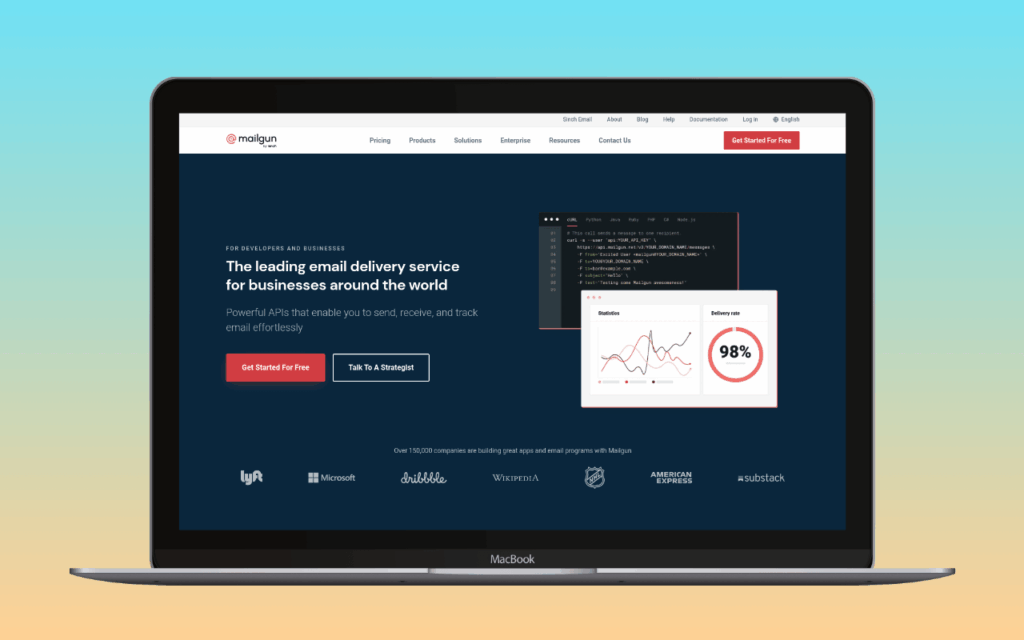
5,000 emails per month to up to 500 subscribers on the Starter plan. MailPoet is a WordPress newsletter plugin (Automattic-owned, 500K+ installs) that runs inside the WordPress admin and ships with its own sending infrastructure, the MailPoet Sending Service.
This is not a transactional SMTP relay. The free tier’s allowance applies to MailPoet-managed sends (newsletter campaigns, automated welcome sequences, subscriber-facing content), not to WordPress core notifications, WooCommerce receipts, or contact form confirmations. Sites that want both a free newsletter tool and free transactional email need MailPoet for the former and a separate provider (SMTP2GO, Brevo) for the latter. Messages sent through the MailPoet free tier carry MailPoet branding.
The right option for a WordPress site that wants in-dashboard newsletter functionality at no cost and can tolerate the branding. Not a substitute for any of the permanent transactional tiers above.
Trials, sandboxes, and branded-only
These three providers appear on every “free SMTP” list elsewhere. They are listed here so the distinction is explicit: none is a genuine permanent free tier for production transactional mail.
SendGrid (60-day trial)

100 emails per day for 60 days after signup. After day 60, the free access ends. The first paid tier is $19.95/month for 50,000 emails (Essentials).
SendGrid is an enterprise email platform owned by Twilio, built for high-volume senders. The 60-day window is enough to evaluate the service and validate a WordPress integration; it is not a tier a site can be configured against and forgotten. The pricing reflects the target market: $19.95/month for 50,000 emails is competitive at scale but expensive for a WordPress site sending 500 emails a month, where SMTP2GO and Brevo cover the same volume at $0 indefinitely.
The reason SendGrid appears on every aggregator’s “free SMTP” list is brand recognition, not free-tier quality. For WordPress sites with sustained $0 needs, SMTP2GO or Brevo are the permanent alternatives.
Postmark (developer sandbox)
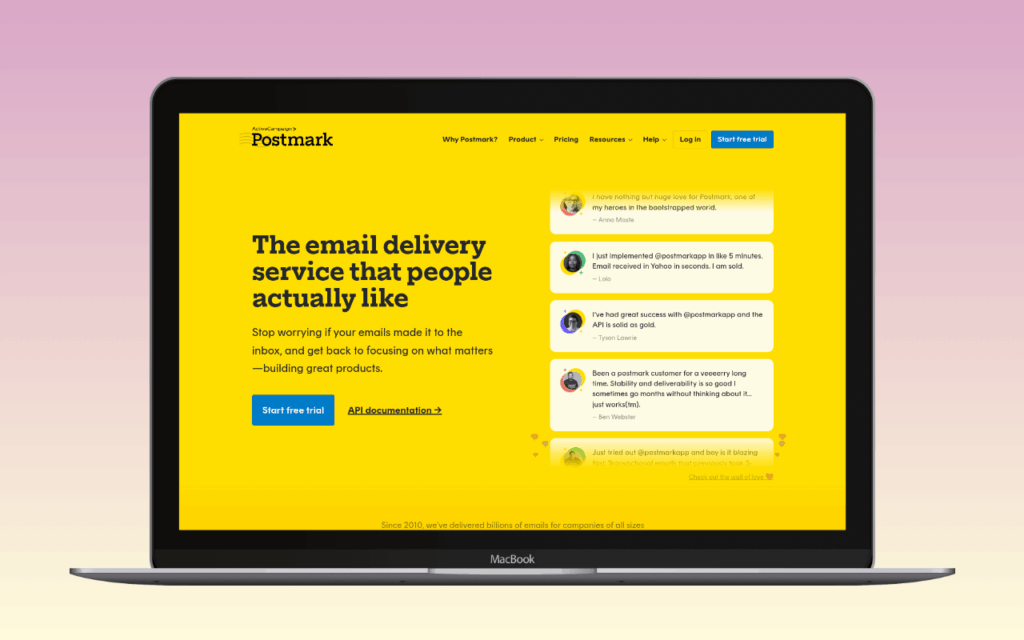
100 emails per month on the developer sandbox. Postmark’s documentation is explicit that the sandbox exists for testing, not for production: no overages are allowed, and the account stops sending once the cap is hit until it resets.
100 emails a month is below the threshold for any site in active operation. A single WooCommerce order generates multiple emails (confirmation, shipping notification, optional review request); a contact form on a moderately trafficked page can exceed 100 submissions in a month without effort.
Postmark’s paid tier starts at $15/month for 10,000 emails. For sites where transactional deliverability is a business requirement, Postmark on its paid Basic plan is the right default. The sandbox is a developer convenience, not an entry to running a site for free.
Mailjet (permanent but branded)
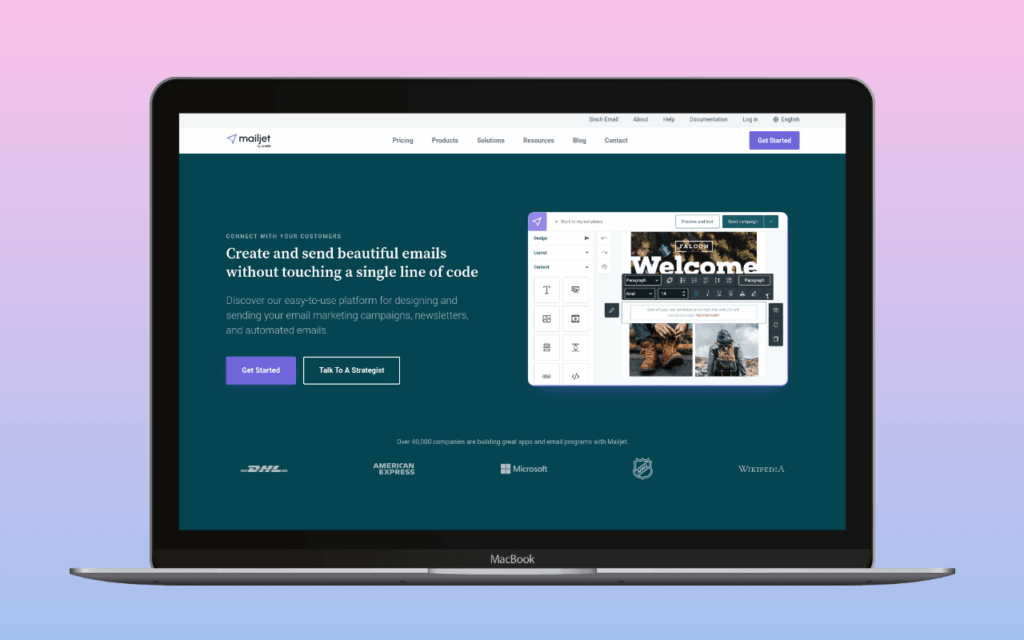
6,000 emails/month with a 200/day cap, full SMTP and API access, no credit card at signup. The numbers look good. The catch is the branding: every free-tier message carries the Mailjet logo in the footer. Every password reset, order confirmation, and contact form notification arrives with “sent by Mailjet” appended. Removing the logo requires the Essential plan at $17/month.
For a personal site or internal tool, the footer isn’t a commercial liability. For any business site, it is disqualifying – and at $17/month for Essential, the upgrade cost exceeds SMTP2GO’s first paid tier at $10/month. Email validation is gated to the Essential plan (500 validations/month). Webhooks are available on the free tier. The 200/day cap lines up exactly with the monthly average of 6,000/month, so there is no headroom for busy days – and any marketing campaign running through the same account competes for the same pool.
The tier fits a WordPress site already using Mailjet for marketing, or a dev/staging account testing the SMTP integration. It does not fit a professional site where order confirmations need to look like they came from the business.
WordPress plugin compatibility
SMTP2GO, Brevo, Mailgun, Resend, SparkPost all have dedicated connection handlers in WP Mail SMTP, which means setup is a form fill rather than a raw SMTP credential entry. FluentSMTP covers all of them too, with the same guided flow.
Elastic Email has a dedicated connection handler in WP Mail SMTP and FluentSMTP – same guided setup as the other providers in this list.
Gmail requires OAuth2 setup in WP Mail SMTP or FluentSMTP to avoid the app-password deprecation path. The OAuth route is documented in the plugin wizard.
Netcore has a native handler in FluentSMTP (listed as Pepipost/Netcore). WP Mail SMTP connects via generic SMTP credentials.
Zoho Mail uses standard SMTP credentials in any mailer plugin; no dedicated handler in WP Mail SMTP or FluentSMTP.
MailPoet is self-contained inside WordPress and does not route through a separate mailer plugin for its own sends.
For the full plugin comparison, including which mailer plugins support which providers natively, see Best WordPress SMTP Plugins.
How we verify free tiers
Every free-tier label on this page was checked against the provider’s live pricing page and, where possible, account dashboard, in September 2026. The permanent/trial/sandbox classification reflects the provider’s own documentation. nanoPost re-checks sending-service pricing on a rolling basis; the Reviewed date at the top of each provider’s review reflects the most recent verification.
Which to pick
Under 1,000 emails/month, transactional relay only. SMTP2GO. Configure once, no branding, no marketing surface area, 200/day cushion.
Up to 300/day, transactional and possibly marketing later. Brevo. The 300/day cap is shared between transactional and campaign sends, so plan for that if both are in use.
Developer project, API-first, webhooks on free. Resend. Clean documentation, webhooks at no cost, WP Mail SMTP integration works identically to paid.
Low and even volume, no daily cap. SparkPost. 1,000/month without an artificial daily wall; the right fit for sites whose traffic is steady rather than bursty.
A handful of emails a day and a Gmail account already exists. Gmail via OAuth2. Suitable only where custom-domain DKIM is not required; Workspace ($7/user/month) fixes that constraint.
In-WordPress newsletter tool at no cost. MailPoet. Sends MailPoet-managed campaigns only; pair with a transactional provider for WordPress core mail.
Existing Zoho mailbox, low transactional volume. Zoho Mail, accepting the hourly throttle.
Developer-led project, Mailgun already in the stack. Mailgun on the 100/day free tier. Worth running on if the application will exercise the infrastructure features; otherwise SMTP2GO or Brevo carry typical WordPress transactional traffic at lower cost.
Deliverability matters enough to justify $15/month. Skip the free tiers. Postmark on the paid Basic plan is the right answer for sites where transactional mail arriving is the business requirement.
For everything else: configure SMTP2GO, install WP Mail SMTP or FluentSMTP, and move on to a different problem.