
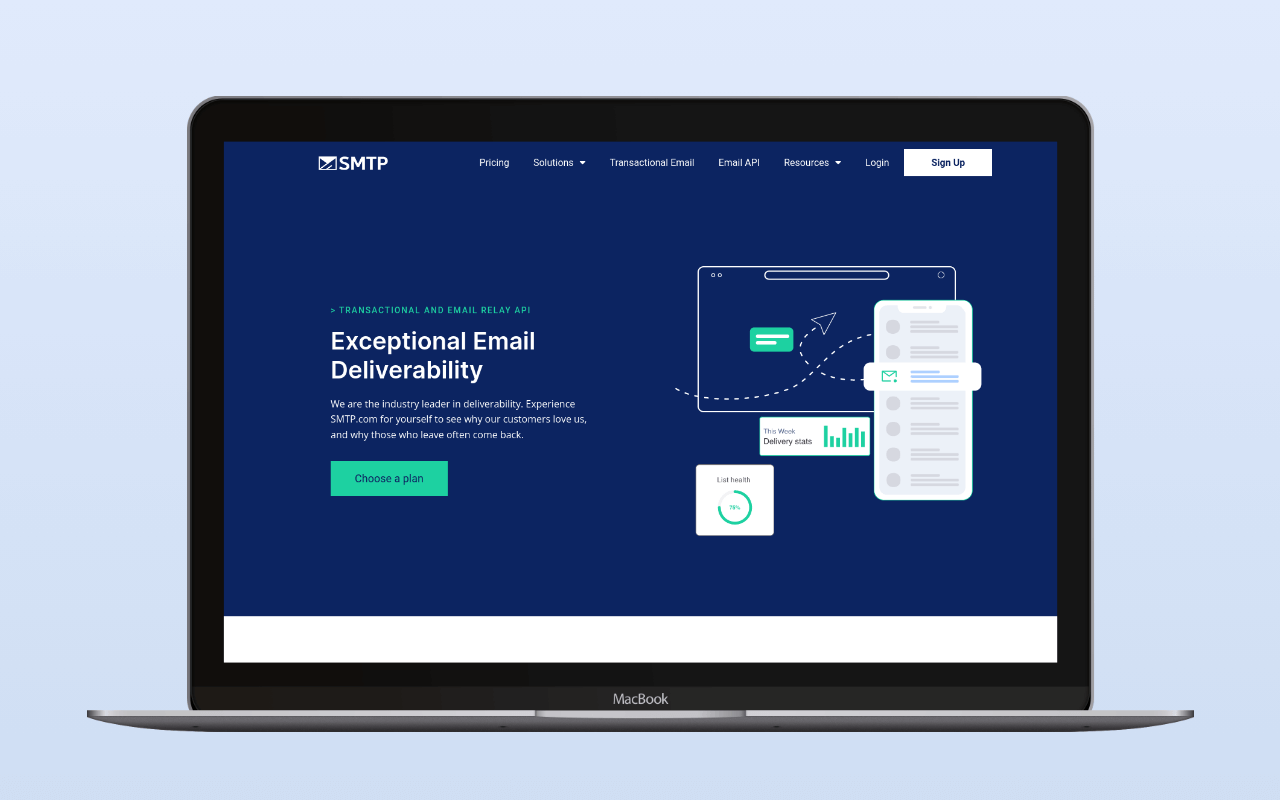
SMTP.com is a high-volume email relay that has operated since approximately 2002, making it one of the longest-running services in this category. Ziff Davis acquired it in 2016. The service handles both transactional and marketing email at scale – its entry plan covers 50,000 emails/month for $25, positioning it above the volume tier where most WordPress sites operate.
For a typical WordPress site sending hundreds or low thousands of emails per month, SMTP.com is overspecced. Its relevance to WordPress operators is limited to high-volume deployments: large WooCommerce stores, membership platforms with substantial notification volume, or multi-site networks where the 50K+ monthly volume justifies the $25 minimum.
Integration
SMTP.com integrates with WordPress via API (not direct SMTP protocol). The WP mail config generator takes an SMTP.com API key and sender name and returns a paste-ready block for WP Mail SMTP or Easy WP SMTP.
WP Mail SMTP – WP Mail SMTP includes a native SMTP.com mailer. Configuration requires an API Key (from my.smtp.com/settings/api) and a Sender Name (from my.smtp.com/senders). The integration uses SMTP.com’s API, not a traditional SMTP connection.
Easy WP SMTP –  Easy WP SMTP also supports SMTP.com as a native mailer option.
No dedicated SMTP.com WordPress plugin exists. Generic SMTP plugins without native SMTP.com support cannot connect – the service uses API-based sending for its WordPress integrations, not a standard SMTP relay endpoint.
Pricing
| Plan | Price | Volume | IP |
|---|---|---|---|
| Trial | Free (30 days) | 50,000 emails | Shared |
| Essential | $25/mo | 50,000/mo | Shared |
| Starter | $80/mo | 100,000/mo | Dedicated |
| Growth | $300/mo | 500,000/mo | Dedicated |
| Business | $500/mo | 1,000,000/mo | Dedicated |
| High volume | Custom quote | 250M+/mo | Dedicated instance |
The 30-day trial with 50,000 emails is generous for evaluation. Per-email pricing sits at $0.50/1K on Essential and Business, $0.80/1K on Starter, and $0.60/1K on Growth – competitive at the 50K entry and at 500K+, less so in the middle. Volumes above 250 million/month move to a custom quote for a dedicated platform instance.
For context: SMTP2GO offers 1,000/month free and 10,000/month for $10. Postmark covers 10,000/month for $15. Mailgun offers 10,000/month for $15 with pay-as-you-go above that. SMTP.com’s pricing only becomes competitive when you need 50,000+ emails/month – below that threshold, you pay $25/month for capacity you don’t use. The SMTP cost calculator plots SMTP.com’s four flat monthly tiers against SMTP2GO, Postmark, Mailgun, and Amazon SES at whatever monthly volume the site actually sends.
DNS authentication
SMTP.com requires SPF and DKIM configuration:
- SPF: Add
include:_spf.smtp.comto your domain’s SPF record - DKIM: Add a TXT record with name
smtpcomcustomers._domainkey(value provided during onboarding)
DNS propagation may take up to 48 hours. Account verification can take up to 24 hours after signup.
If the domain already carries a forwarding include or another sender in its SPF record, the SPF merger folds include:_spf.smtp.com into the existing string and counts the DNS lookups against RFC 7208’s ten-lookup ceiling. Once the SPF and smtpcomcustomers._domainkey records are live, the DNS auth checker reads them the way receivers resolve them, so a stale nameserver or a mistyped selector shows up before real traffic does. After DNS setup, test with swaks that messages authenticate correctly.
Assessment
SMTP.com is a legitimate, long-running email infrastructure service with a strong deliverability reputation built over two decades. For the narrow use case of high-volume WordPress email (50,000+ messages/month), it offers competitive per-email pricing and proven reliability.
For the vast majority of WordPress sites – which send hundreds to low thousands of A transactional email is the automated message a WordPress site sends in response to a single user action – a password reset, an order confirmation, a form receipt – addressed to the user who triggered it. Read full reference → per month – SMTP.com’s entry pricing buys far more capacity than needed:
- Under 1,000/month: SMTP2GO is free and covers this range entirely.
- 1,000-10,000/month: SMTP2GO Starter ($10/mo), Postmark ($15/mo), or Brevo (9,000/month free) cover this range at a fraction of SMTP.com’s cost.
- 10,000-50,000/month: Mailgun Foundation ($35/mo) or SMTP2GO Professional ($75/mo) cover this range with more WordPress ecosystem support.
- 50,000+/month: SMTP.com becomes relevant. At this volume, also evaluate Amazon SES ($0.10/1K, cheaper at scale) and Mailgun Scale plans.
SMTP.com earns its place in the category for enterprise and high-volume WordPress deployments. For everyone else, the minimum spend buys far more volume than needed.
For the broader setup that places SMTP.com inside the WordPress email stack, see the WordPress email setup guide.
Pricing verified August 2026 via direct fetch of www.smtp.com/pricing/ (apex smtp.com/pricing/ 301-redirects to the homepage; the www variant carries the plans UI). Integration details verified against WP Mail SMTP documentation. DNS authentication details from WP Mail SMTP SMTP.com setup guide.
Corrections
- 2026-08-23: Restored Starter/Growth/Business plans to the pricing table. The July 2026 refresh had checked the apex smtp.com/pricing/ URL, which 301-redirects to the homepage, and mistakenly concluded that only Essential remained publicly priced. The www.smtp.com/pricing/ variant carries the full plan grid.