
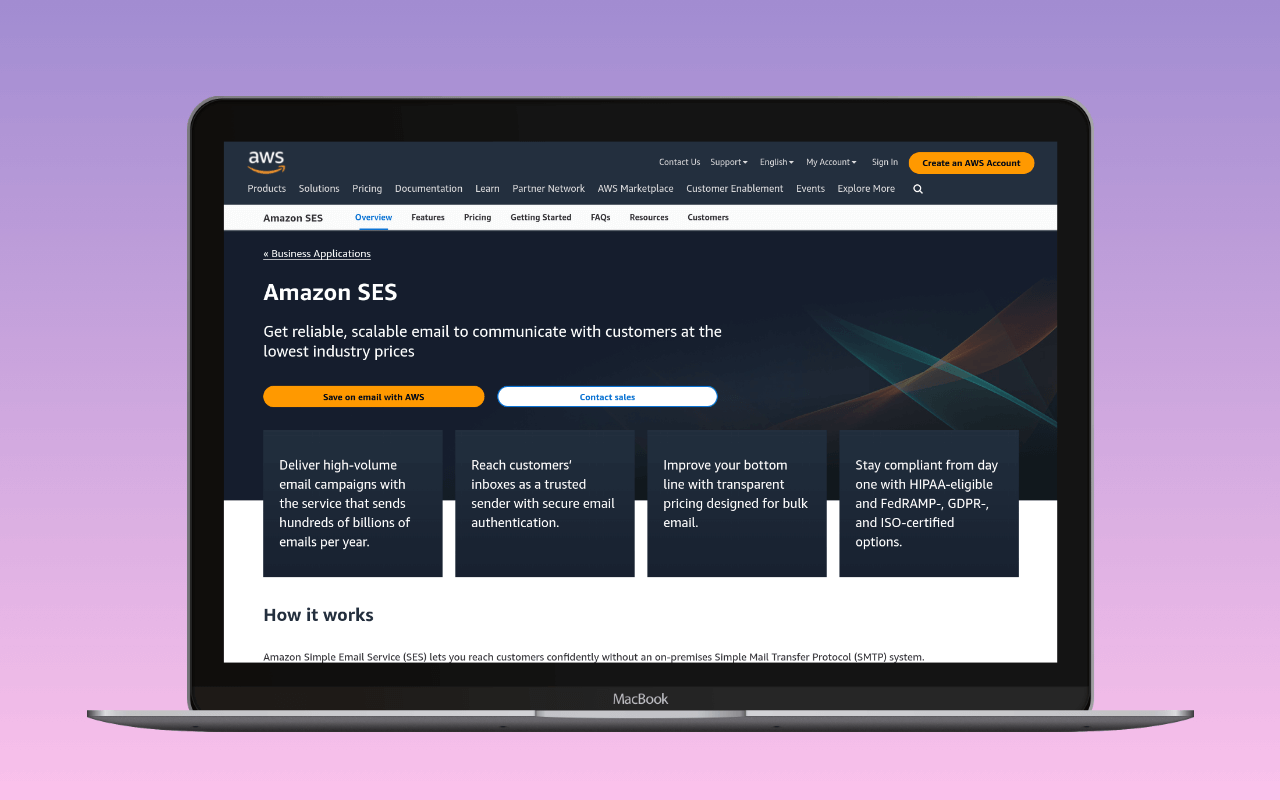
Amazon Simple Email Service (SES) is AWS infrastructure that happens to send email. That distinction matters. SES is not a standalone email service with a guided onboarding and a deliverability-focused support team. It is a component of Amazon Web Services, configured through IAM policies, region-specific endpoints, and a sandbox review process that can take days. The reward for that complexity remains the cheapest per-message pricing in the category. Whether that rate lands at $0.10 or $0.16 per 1,000 outbound depends on which plan the AWS account is on: from July 2026, new accounts default to the Essentials plan at $0.16, and à la carte at $0.10 is opt-in rather than automatic.
For WordPress sites sending tens of thousands of A transactional email is the automated message a WordPress site sends in response to a single user action – a password reset, an order confirmation, a form receipt – addressed to the user who triggered it. Read full reference → per month (large WooCommerce stores, membership platforms, multisite networks), SES’s pricing compounds into real savings under either billing model. A typical WordPress site sending a few hundred emails a month should look at SMTP2GO or Postmark instead.
SMTP settings
| Setting | Value |
|---|---|
| Host | email-smtp.{region}.amazonaws.com |
| Port | 587 (STARTTLS, recommended) or 465 (TLS Wrapper) |
| Encryption | TLS |
| Authentication | Login |
| Username | SMTP credential username (from SES console) |
| Password | SMTP credential password |
The host is region-specific. Replace {region} with the AWS region where SES is configured: us-east-1, eu-west-1, ap-southeast-2, etc. A full list of SES regions and endpoints is in the  AWS SES documentation.
SMTP credentials are not the same as IAM access keys. Generate them in the SES console under SMTP Settings. The console derives an SMTP username and password from an IAM user, but the values differ from the IAM credentials themselves. Using raw IAM access keys as SMTP credentials will fail authentication.
Before sending production email, verify the sending domain in the SES console and add the SES-provided DKIM CNAME records to the domain’s DNS. SES generates three CNAME records for DKIM signing; all three must be present. SPF is handled automatically; SES sends from its own amazonses.com envelope domain and publishes SPF for it. For DMARC alignment, configure a custom MAIL FROM domain in SES so the envelope sender matches the From header domain; the SPF merger folds include:amazonses.com into the custom MAIL FROM subdomain’s SPF record and counts the DNS lookups against RFC 7208’s ten-lookup ceiling. Once the three DKIM CNAMEs are live, the DNS auth checker reads all three selectors and the MAIL FROM SPF the way receivers resolve them, so a missed CNAME or a stale nameserver shows up before real traffic does.
Pricing
Amazon restructured SES billing in 2026 into three plans plus an à la carte option. New AWS accounts with no metered SES activity since June 1, 2025 default to the Essentials plan from 2026-07-21; existing accounts and any new account can switch to à la carte at any time. The per-1,000-message rate for outbound mail depends on which billing model is selected:
| Plan | 0-10M/mo | 10-100M/mo | >100M/mo | Monthly base |
|---|---|---|---|---|
| À la carte | $0.10 | $0.10 | $0.10 | none |
| Essentials (default) | $0.16 | $0.14 | $0.11 | none |
| Pro | $0.22 | $0.17 | $0.12 | $105/account/region |
| Enterprise | $0.23 | $0.18 | $0.13 | $500/account/region |
Pro adds 1 verified domain, 1 dedicated IP, and 5 seedlist tests. Enterprise adds 5 verified domains, 12 dedicated IPs, and 25 seedlist tests, plus one annual expert deliverability assessment for customers subscribed 12 months or longer with 6 billion or more trailing outbound messages. The base fee bills per AWS account per region, so a sender running SES in two regions on Pro pays $210/month in base fees before a single message goes out. À la carte is the same $0.10 per 1,000 messages the SES pricing page has quoted for years; it is opt-in for new accounts from 2026-07-21 rather than the default, but the AWS documentation does not signal that à la carte is being deprecated.
Line items that apply to every billing model:
| Component | Cost |
|---|---|
| Inbound email | $0.10 per 1,000 messages + $0.09 per 1,000 chunks |
| Attachments | $0.12 per GB |
| Dedicated IP (Standard) | $24.95/month per IP |
| Dedicated IP (Managed) | $15/month per account + tiered per-email charges ($0.02 to $0.08 per 1,000) |
| Virtual Deliverability Manager | $0.07 per 1,000 (0-10M/mo), $0.05 (10-100M), $0.02 (>100M), plus $0.0005 per 1,000 queries |
The free tier changed with the plan restructure. New AWS accounts now receive up to $200 in AWS Free Tier credits applicable to SES, with the free plan available for the first 6 months after account creation. The previous offer of 3,000 free message charges per month for the first 12 months no longer appears on the pricing page. There is still no permanent free tier, unlike SMTP2GO‘s 1,000/month with no expiry, or Brevo‘s 300/day indefinitely.
At volume, SES pricing remains unmatched, but the entry point depends on the billing model. Sending 100,000 emails per month costs $10 on à la carte and $16 on Essentials. The same volume on Postmark runs upwards of $125 (base plan plus per-message overage at $1.20-$1.30 per thousand). On Mailgun, Foundation covers 50,000 for $35/month; scaling to 100,000 requires either overage or an upgraded plan. Pro at 100,000 messages costs $127 ($22 for the messages plus the $105 base), which is the point where a sender not using the seedlist tests or the reserved dedicated IP should question the plan choice. The gap widens as volume increases into the tens of millions; no minimum fees, no contracts, no annual commitment on any billing model. The SMTP cost calculator compares Amazon SES against Postmark, Mailgun, SMTP2GO, and the rest at whatever monthly volume the site actually sends, using the à la carte $0.10/1K rate SES bills once the account opts in.
The sandbox
Every new SES account starts in sandbox mode. The restrictions are significant:
- 200 emails per 24-hour period – the hard cap, not a soft limit
- Verified recipients only – every recipient address must be individually verified in the SES console
- 1 email per second – maximum sending rate
These restrictions make the sandbox useless for production WordPress email. A WooCommerce store cannot verify every customer’s address before sending an order confirmation.
Moving to production requires submitting a sending limit increase request through the AWS console. The request asks for a description of the use case, the expected sending volume, and how the account handles bounces and complaints. AWS reviews the request manually. Approval can take 24 hours; rejection happens if the use case description is too vague or if the account history raises flags. This is unlike any other provider in this category, where production access is immediate or requires only domain verification.
WordPress integration
For the operator-facing setup walkthrough (production-access sequencing, Easy DKIM, SMTP-vs-IAM credentials, region choice, the bounce/complaint loop), see WordPress SMTP with Amazon SES.
For SES specifically, API integrations are faster and more reliable than SMTP. The API avoids the SMTP handshake overhead and handles retries internally. Use one of the API-based options below; fall back to generic SMTP only if the plugin choice is constrained. For the plugin-by-plugin comparison by fit, see best Amazon SES plugin for WordPress. If SMTP is the chosen path, the WP mail config generator takes the region and SMTP credentials and returns a paste-ready block for the mailer.
WP Offload SES –  WP Offload SES from Delicious Brains connects via the SES API directly. The free Lite version handles sending and email logging. The Pro tier adds open/click tracking, weekly reports, and multisite support. The most complete WordPress-to-SES integration available.
WP Mail SMTP – WP Mail SMTP includes a native Amazon SES integration using the API. Enter the access key ID, secret access key, and region. The SES integration in WP Mail SMTP uses IAM API credentials (not SMTP credentials), so the configuration differs from generic SMTP setup.
FluentSMTP – FluentSMTP supports SES via the API with a similar key/secret/region configuration. Open-source and free.
Generic SMTP – Any mailer plugin can connect to SES using the SMTP settings above. This works as a fallback with Post SMTP, FluentSMTP in SMTP mode, or any other plugin supporting custom SMTP servers.
When SES fits
SES is the right choice when three conditions hold:
- Volume justifies the complexity. Roughly above 10,000 emails/month, where the difference against Postmark or Mailgun starts saving real money. Below that, the per-message savings are negligible and the setup tax is not.
- The operator is comfortable with AWS. IAM credential management, region selection, CloudWatch for monitoring. SES assumes familiarity with the AWS ecosystem. There is no simplified dashboard for operators who just want to see whether their emails arrived.
- A self-contained deliverability dashboard is not required. SES has no equivalent of Postmark’s message streams view or SMTP2GO’s reporting dashboard. Monitoring requires CloudWatch, SNS topics for bounce/complaint notifications, and manual configuration of each.
The plan choice within SES follows the same logic. À la carte is the right default for senders who want the lowest per-message rate and are prepared to run their own deliverability testing. Essentials is the plan a new account lands on if nobody makes an active choice; a sender who never picks pays a few dollars a month more than they would on à la carte until the volume reaches six figures of emails per month. Pro is the plan for a sender that would otherwise buy a dedicated IP and a seedlist testing subscription anyway, at which point the $105/month base fee substitutes for those line items. Enterprise is aimed at senders running SES at multi-million-per-month scale who also want Amazon-side deliverability review.
The typical WordPress profile: a WooCommerce store processing hundreds of orders per day, a WordPress multisite sending notifications across dozens of subsites, or any WordPress deployment already running on AWS infrastructure where SES is a natural addition to the existing stack. Most sites in that profile sit on à la carte or Essentials; Pro and Enterprise reward senders already paying for a dedicated IP and seedlist testing separately, or running SES at volumes where the per-message discount on the higher tiers covers the base fee.
When SES does not fit
For sites that value setup simplicity and a permanent free tier, SMTP2GO is the better default. For sites where deliverability reputation is the primary concern, Postmark is purpose-built for it. For sites already using a marketing platform, Brevo or Mailjet handle transactional email alongside campaigns without adding a second service.
SES is infrastructure for operators who think in infrastructure terms. If the site needs email to just work, SES is not where that starts.
For the broader setup that places Amazon SES inside the WordPress email stack, see the WordPress email setup guide.
Pricing verified 2026-08-27 against  aws.amazon.com/ses/pricing. Postmark pricing verified against
  postmarkapp.com/pricing. SMTP settings verified against AWS SES SMTP documentation.