
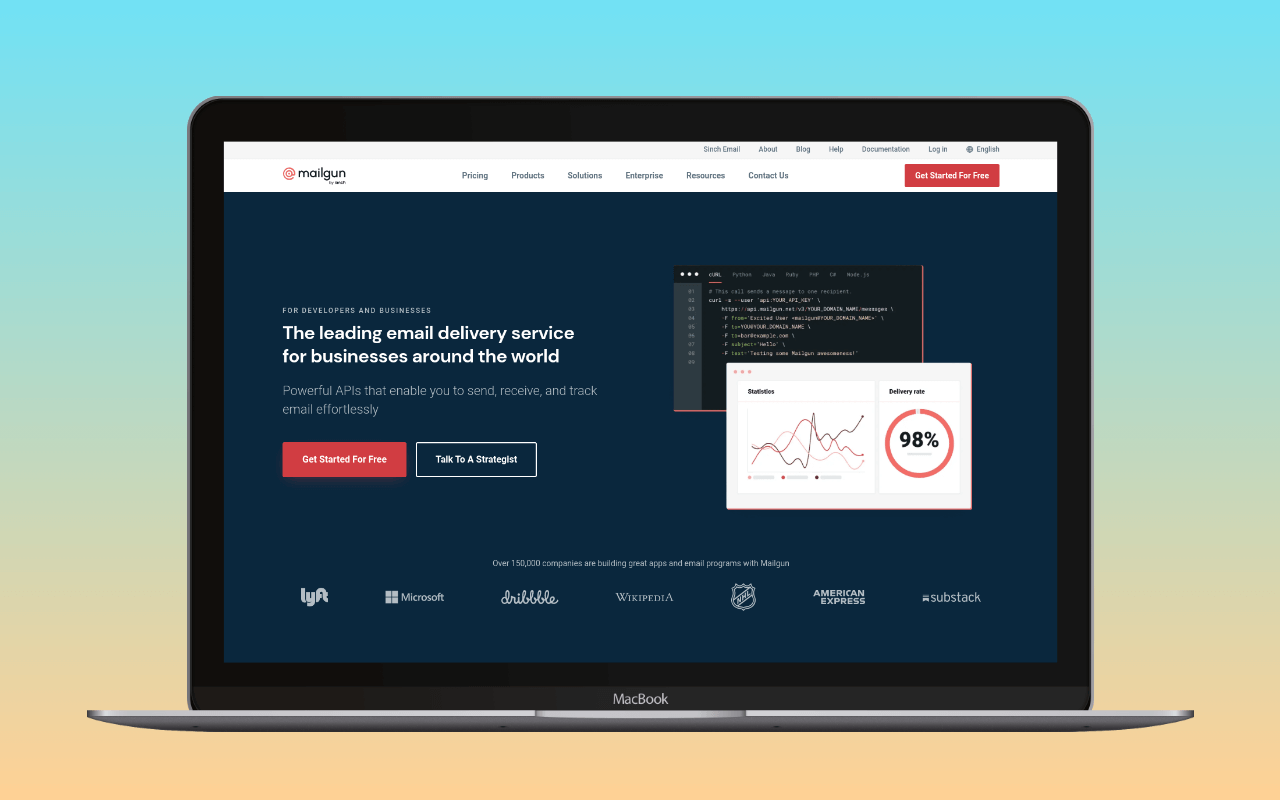
For a typical WordPress site that needs password resets and contact form notifications to arrive reliably, Mailgun is paying for tooling you will not use. Mailgun is developer-focused email infrastructure: HTTP API and SMTP relay for transactional email, plus inbound routing, email validation, and granular event webhooks – features that matter to application developers building on email as a platform, not to most WordPress operators. Sinch acquired it in 2020.
Mailgun works with WordPress. An official plugin connects via API, WP Mail SMTP has a native Mailgun integration, and any mailer plugin can connect via SMTP. The question is not whether it works but whether it is the right fit. Mailgun has no permanent free tier and its entry pricing starts at $15/month – for that budget, Postmark or SMTP2GO are better defaults for most sites. Mailgun makes sense for high-volume deployments or when the infrastructure features (inbound routing, email validation APIs) are actually part of the application design.
SMTP settings
| Setting | Value |
|---|---|
| Host | smtp.mailgun.org |
| Port | 587 (TLS/STARTTLS, recommended) |
| Encryption | TLS |
| Authentication | Login |
| Username | Domain-specific (found in Mailgun dashboard under your sending domain) |
| Password | Domain-specific SMTP password (not the account API key) |
Alternative ports: 465 (SSL) and 2525 (if your host blocks 587).
Mailgun uses per-domain SMTP credentials, not account-level credentials. Each sending domain has its own username and password, which you find in the Mailgun dashboard under the domain’s settings. Add Mailgun’s SPF and DKIM records to your domain’s DNS before sending production email. After configuring DNS, verify with swaks that messages authenticate correctly.
Pricing
Mailgun has no permanent free tier. A trial provides limited free emails for new accounts, but ongoing use requires a paid plan or pay-as-you-go billing.
| Plan | Price | Volume | Key inclusions |
|---|---|---|---|
| Flex (pay-as-you-go) | $2/1,000 emails | No minimum | Basic sending only |
| Basic | $15/mo | 10,000 emails/mo | Webhooks, 1 custom domain, 2 API keys |
| Foundation | $35/mo | 50,000 emails/mo | Email templates, 1,000 sending domains, 5-day log retention |
| Scale | $90/mo | 100,000 emails/mo | 5,000 email validations, dedicated IP, send time optimisation, 30-day logs |
| Enterprise | Custom | Custom | SLA, dedicated support, custom infrastructure |
Overages beyond the monthly allocation are billed pay-as-you-go: $1.80/1,000 on Basic, declining to $1.10/1,000 on Scale.
For context: a WordPress site sending 500 transactional emails per month, a fairly typical volume for a small-to-medium site with contact forms and WooCommerce, would pay $15/month on Mailgun’s Basic plan. The same volume costs nothing on Brevo’s free tier (300/day), nothing on SMTP2GO’s free tier (1,000/month, 200/day cap), or approximately $0.50/month on Amazon SES ($0.10/1,000). Mailgun’s pricing page rewards careful reading.
WordPress integration
Three paths:
Official Mailgun plugin – The  Mailgun for WordPress plugin uses Mailgun’s HTTP API by default (not SMTP). Enter your API key and sending domain, and the plugin replaces
 wp_mail() to route all WordPress email through Mailgun’s API endpoint. API mode is generally more reliable than SMTP on hosts that restrict outbound connections, since it uses standard HTTPS rather than SMTP ports. See our list of WordPress plugins that connect to Mailgun for other compatible options.
WP Mail SMTP – WP Mail SMTP includes a native Mailgun integration. Select “Mailgun” as the mailer, enter the API key and sending domain. This is the better choice if you want WP Mail SMTP’s email logging, deliverability tracking, and fallback features alongside Mailgun’s sending infrastructure.
Generic SMTP – Any mailer plugin (Post SMTP, FluentSMTP, or WP Mail SMTP in “Other SMTP” mode) can connect to smtp.mailgun.org using the credentials above. This is the lowest-common-denominator path; it works everywhere but does not use Mailgun’s API features.
When Mailgun is the right choice
Mailgun fits well in two scenarios:
Developer-led WordPress projects. If a WordPress site is part of a larger application stack where Mailgun is already the email infrastructure, handling transactional email, inbound routing, and event webhooks across multiple services, routing WordPress email through the same Mailgun account consolidates email operations. The per-domain credential model and API-first design serve this use case well.
High-volume WordPress sites. At Foundation-tier volumes (50,000+ emails/month), Mailgun’s pricing becomes competitive and the infrastructure features (dedicated IP on Scale, send time optimisation, email validation) start to matter. A large WooCommerce store or a WordPress multisite network sending at this scale is in Mailgun’s target market.
When Mailgun is not
For the typical WordPress site (a blog, a small business site, a WooCommerce store doing a few dozen orders per day), Mailgun is overpriced relative to the alternatives. The developer tooling is irrelevant, the API features go unused, and the lack of a free tier means paying from day one for a service where free and cheaper options exist.
Better fits for typical WordPress transactional email:
- SMTP2GO – free tier (1,000/month, 200/day cap), SMTP relay, no developer tooling overhead
- Brevo – free tier (300/day), also handles marketing email if needed
- Postmark – transactional-only with high deliverability, $15/month for 10,000 emails
- Amazon SES – $0.10/1,000 for sites already on AWS
Mailgun is a good email infrastructure service. Most WordPress sites will find better value elsewhere, but Mailgun earns its price at the volumes and complexity levels it targets.
For the broader setup that places Mailgun inside the WordPress email stack, see the WordPress email setup guide.
Pricing verified June 2026. SMTP settings verified against Mailgun documentation.