
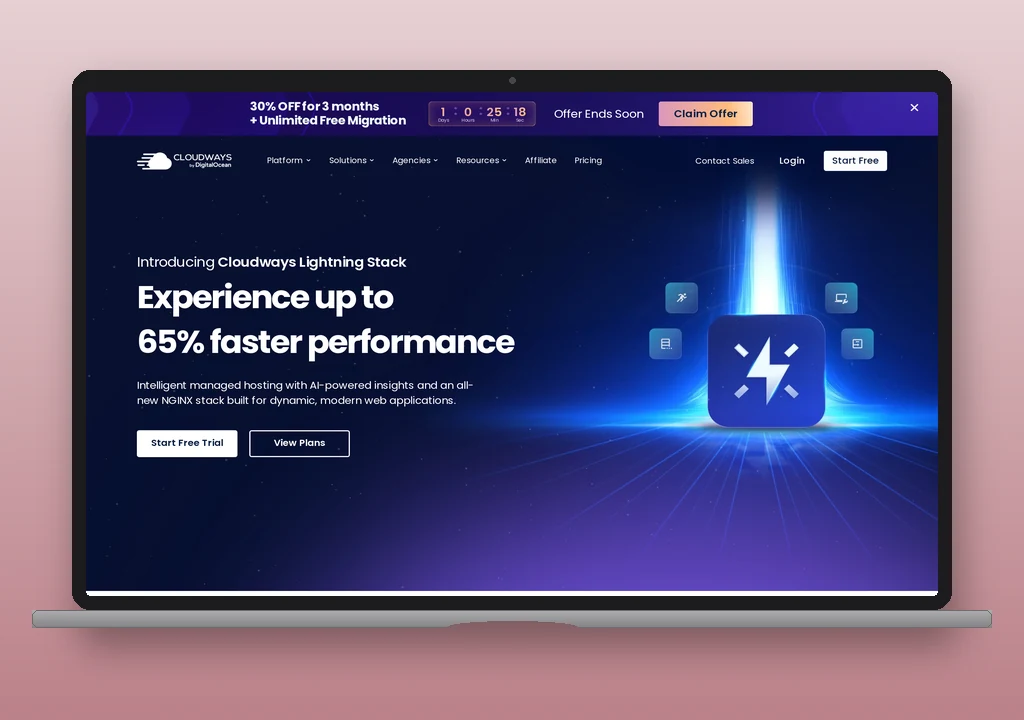
Cloudways is a managed cloud hosting platform, acquired by DigitalOcean in 2022, that deploys WordPress on infrastructure from DigitalOcean, AWS, Google Cloud, Vultr, or Linode. No email capability is bundled: no mailboxes, no relay, and no DNS-level configuration that makes the default WordPress mail path work. Outbound port 25 is blocked by the underlying cloud providers, so a fresh install fails silently until an operator configures a sending path. There are three options: the Elastic Email addon ($0.10/month for up to 1,000 emails, activated from the Cloudways dashboard), the Custom SMTP addon (BYO provider connected at the server level), or a WordPress SMTP plugin configured directly against a third-party relay. Submission ports are open for the relay swap.
Plans start at $11/month on DigitalOcean Standard 1GB with monthly billing ($8.25/month annual).
Email on Cloudways
How wp_mail works by default
By default, it doesn’t. A fresh WordPress install on a Cloudways server will send wp_mail() through PHP’s mail() function, which attempts to use port 25 for outbound SMTP. Port 25 is blocked by DigitalOcean, Google Cloud, and Vultr, the same restriction applied by most cloud providers to suppress spam originating from their IP ranges. The result is that password resets, WooCommerce order confirmations, and contact form notifications fail silently: the function returns without error, but the message never arrives.
This is the most important operational fact about Cloudways email. Operators migrating from shared cPanel hosting, where wp_mail() typically works through the server’s local exim, encounter this immediately. The fix requires choosing a configuration path before the site goes live, not after the first password reset report.
Three paths exist:
Path 1: Elastic Email addon. Activated from the Cloudways dashboard, the Elastic Email addon configures the server to route outbound mail through Elastic Email’s (a third-party transactional and marketing email platform) relay without operator-managed SMTP credentials. Pricing starts at $0.10/month for low volumes; higher tiers scale with send count. For operators who want working email with minimum configuration, this is the lowest-friction option.
Path 2: Custom SMTP addon. The Custom SMTP addon lets operators configure any third-party provider (Mailgun, SendGrid, Postmark, SMTP2GO) at the server level through the Cloudways platform interface. The operator provides the SMTP credentials; Cloudways writes the server-side mail configuration. The benefit over a WordPress SMTP plugin: the server-level configuration applies to all applications on the server, not just WordPress.
Path 3: WordPress SMTP plugin. Any standard SMTP plugin (WP Mail SMTP, FluentSMTP, Post SMTP) can connect to an external relay directly, bypassing Cloudways’ platform layer. For operators who want to use Postmark or Mailgun’s API-based plugin (rather than SMTP credential auth), this is the most flexible approach. API-based integrations work regardless of which SMTP ports are open.
Outbound SMTP port status
Port 25 is blocked on all major cloud providers that Cloudways supports. For relay connections, ports 587 and 2525 are open. Port 465 availability is not uniformly documented and depends on the underlying cloud provider; operators using 465 should verify against the specific cloud infrastructure they have chosen.
| Port | Status | Protocol |
|---|---|---|
| 25 | Blocked | SMTP (legacy outbound) |
| 587 | Open | SMTP with STARTTLS |
| 2525 | Open | SMTP (alternate) |
| 465 | Varies by cloud provider | SMTPS (implicit TLS) |
The port-25 block applies to server-initiated outbound mail. It is not an external-SMTP restriction in the sense of blocking SMTP plugin connections on 587 or 2525; those ports are open for relay connections. Operators using API-based relay plugins (Postmark’s official plugin, Mailgun’s native integration) do not encounter port restrictions at all.
Sending limits
No platform-level sending limit applies. Cloudways imposes no per-hour or per-day cap because there is no bundled relay; the limit is set by whichever service is configured:
- Elastic Email addon: Elastic Email’s own quotas apply. At $0.10/month, the effective send volume is modest; scaling comes with higher Elastic Email tiers.
- Custom SMTP addon or WordPress plugin with a third-party relay: The relay’s own documented quotas apply. Postmark on a paid plan, Mailgun on a pay-as-you-go plan, and SMTP2GO on a free or paid plan each have their own documented limits.
The lack of a platform-level limit is one operational advantage of the addon model: operators choose a relay sized to their actual throughput rather than working around a shared-hosting per-hour cap.
Mailboxes, forwarding, DNS
Cloudways does not host email. There are no bundled mailboxes, no IMAP or POP3 servers, no email forwarders, and no catch-all addresses on the platform. Domain email (branded addresses for the team) requires a separate provider: Google Workspace, Microsoft 365, Zoho Mail, Fastmail, or another hosted email service.
Cloudways provides DNS management for domains pointed through the platform. SPF (the DNS record that lists which mail servers are authorised to send on the domain’s behalf), DKIM, and DMARC records for whichever relay is in use can be added through the Cloudways DNS panel. Operators using Cloudflare DNS, common with Cloudways due to Cloudflare’s CDN integration, add the records there.
Authentication (SPF, DKIM, DMARC)
Authentication configuration depends on the relay path chosen:
Elastic Email addon: Elastic Email provides a Cloudways-specific SPF include and DKIM setup guide. The _domainkey DKIM TXT record and the SPF include are added through the Cloudways DNS panel.
Custom SMTP addon or WordPress plugin: The third-party relay provides its SPF include and DKIM setup instructions. Cloudways documents the Mailgun SPF and DKIM configuration as a reference example; other providers follow the same pattern with their own include strings.
DMARC is manual regardless of relay path. A monitoring policy (v=DMARC1; p=none; rua=mailto:reports@<domain>) is the standard starting point before advancing to enforcement. When both a relay and a domain email provider (Google Workspace, Microsoft 365) are in use, the SPF record needs both the relay’s include and the email provider’s include; the SPF merger deduplicates the two and counts the DNS lookups against RFC 7208’s ten-lookup ceiling before publish. Once the record is live, the DNS auth checker reads how the domain’s SPF, DKIM selector, and DMARC resolve from the receiver’s perspective, so a stale nameserver or a missed record shows up before real traffic does.
What Cloudways does not provide
- Any email by default. This is the defining fact.
wp_mail()fails silently on a new server until explicitly configured. No MailChannels equivalent, no PHPmail()that reaches the recipient, no Elastic Email pre-configured. Zero. - Bundled mailboxes or email hosting. No addresses at the domain, no IMAP, no POP3, no forwarders. Domain email requires a separate service.
- Platform-level delivery events. Cloudways produces no per-message delivery, bounce, or rejection log. Delivery visibility comes entirely from whichever relay is configured: the Elastic Email addon’s own dashboard, or the API dashboard of a third-party relay.
- Uniform port 465 support. Port 587 and 2525 are reliable across cloud providers; 465 is not documented as universally open.
When a third-party relay is needed
On Cloudways, the question is not “when” but “which relay.” Email must be configured. The practical choice:
- Elastic Email addon for operators who want minimum-configuration email that works via the Cloudways dashboard. Elastic Email is a credible transactional service; at low volumes the $0.10/month entry cost is negligible.
- Postmark via plugin for operators who need guaranteed transactional delivery, per-message delivery events, and documented throughput. The cleanest fit for sites where a missed password reset or order confirmation is a revenue issue.
- SMTP2GO via plugin for the cheapest credible entry point with delivery visibility; free tier covers 1,000 emails/month.
- Mailgun via Custom SMTP addon or plugin for operators at higher transactional volumes; pay-as-you-go pricing scales down.
Because ports 587 and 2525 are open and no external-SMTP block exists beyond port 25, all standard SMTP plugins connect without workaround. API-based integrations bypass port considerations entirely.
Verdict
Cloudways is the zero-default-email option in the managed WordPress market. The addon model is transparent (two platform-native paths plus full plugin flexibility) but it requires deliberate setup before a site handles any WordPress-generated email. Operators who have set up email infrastructure before will find it frictionless; operators migrating from shared hosting where wp_mail() worked automatically should allocate setup time before go-live.
For the WordPress email setup that supplements Cloudways’ default path, see how to configure WordPress email.