
Six WordPress hosts route wp_mail through an authenticated relay by default and make a mailer plugin optional. The other fourteen in nanoPost’s hosting directory do not. This page is the six, sorted, with their caveats; the near misses and the outright exclusions are named at the bottom so the list is not selective by accident.
Most WordPress sites that send mail without a plugin send unsigned mail. wp_mail() degrades to PHP mail(), which on a shared host leaves a shared IP with no DKIM signature, no SPF alignment to the site’s own domain, and no operator-visible failure surface. The mailer plugin path solves this; so does the no-plugin path for operators willing to put credentials in wp-config.php. Picking a host whose default does the work is the third option, and the page below is who that option is for.
The recommendation is conditional on the operator having a real reason to avoid a mailer plugin. For most WordPress sites, WP Mail SMTP or FluentSMTP plus a $0 SMTP relay free tier is a more capable setup at no marginal cost. The six hosts here are the answer to a specific question, not the default answer to “how should WordPress email work.”
The verdict
This roundup is the host arm of nanoPost’s WordPress without the plugin hub: the six hosts where the SMTP slice (running WordPress mail without a mailer plugin) is the default rather than a workaround.
SiteGround is the headline pick for shared-hosting operators who want WordPress and host-managed inboxes on the same domain. It is the only host in the category that runs the local sendmail path with automatic DKIM signing for SiteGround-hosted domains. The hourly send cap is 400 messages on entry tiers and 800 on GoGeek and Cloud, with each recipient counted separately. Renewal entry price is $17.99/month.
Kinsta is the headline pick for managed-WordPress operators who do not need bundled mailboxes. Default wp_mail routes through MailChannels with DKIM, with daily caps that scale from 150 messages on entry plans to 3,000 on Agency and Enterprise. Recipients see an envelope-from in the kinstamailservice.com zone, which mail clients can surface as “via mywebsite.kinstamailservice.com.” Entry price $35/month.
The remaining four featured hosts. Flywheel ($25/month) preconfigures a SendGrid relay; no bundled mailboxes. Pagely ($199/month) belongs on the list for enterprise estates where the per-site price reflects support tier rather than feature count; the operator adds relay.mailchannels.net to SPF and is done. Pressable ($25/month, Automattic-owned) preconfigures a built-in relay capped at 200 emails per hour and four unique sender addresses per 24 hours; the cap bites WooCommerce before it bites brochure sites. Presslabs ($99/month) is the EU-residency pick for operators who already know what Presslabs is.
How we read the field
The capability classifier this page is built on is wp_mail_unconfigured, audited across 20 WordPress hosting plans between 2026-06-13 and 2026-06-17 against vendor documentation and, where available, account-level dashboards. A host scores full when default wp_mail reaches recipient inboxes from an authenticated path, signed or signable by the host. It scores partial when default wp_mail works but is unsigned, or when a relay exists but vendor documentation explicitly warns against using it as the primary path. It scores none when default wp_mail is broken by design, by port policy or by IP-reputation conditions the host does not control. Pricing is the renewal monthly figure in USD, verified per host between 2026-06-08 and 2026-06-09; first-year promotional pricing is not the steady-state cost and is not cited here. Annual billing on most of these hosts produces a 10-20% reduction; the published monthly figure is the comparison anchor.
“Works without a plugin” is not the same as “delivers perfectly without a plugin.” Even on the six featured hosts, monitoring bounces, adding SPF for the relay’s sending domain, and testing with a tool like Swaks are operator work. The plugin path remains better at logging, retry, conditional routing, and operator-visible failure alerts. The recommendation here is “if you have a reason to avoid the plugin path, pick from these six.”
Name WP Mail Unconfigured Note Bundled Sending Note Entry Price SiteGround Local sendmail with auto-DKIM for SiteGround-hosted domains 400/hour on StartUp, GrowBig, Ecommerce, Coderick; 800/hour on GoGeek and Cloud; 80 recipients per message; each recipient counts toward the hourly quota 17.99 Kinsta MailChannels relay with auto-DKIM; visible 'via kinstamailservice.com' MailChannels transactional relay with auto-DKIM; 150-3,000/day by plan tier; recipients see 'via kinstamailservice.com' 35 Flywheel Preconfigured SendGrid managed relay; no SMTP plugin needed. SendGrid relay preconfigured; daily limit per plan tier, undisclosed. No hourly limit published. 25 Pagely MailChannels relay preconfigured; wp_mail() delivers without SMTP plugin. SPF must include relay.mailchannels.net for correct authentication. MailChannels relay preconfigured; wp_mail() works by default. No published sending limit. Pagely directs high-volume senders to use their own ESP. 199 Pressable Built-in mail relay preconfigured; no SMTP plugin needed. 200/hr cap applies. Built-in mail relay preconfigured; 200 transactional emails/hour per site; max 4 unique sender addresses per 24 hours. 25 Presslabs Relay preconfigured; wp_mail() delivers transactional email without SMTP plugin under fair-use terms. Transactional email relay preconfigured; wp_mail() works out of the box under fair-use policy. No published sending limit. High-volume senders directed to dedicated ESP. 33
SiteGround

SiteGround runs PHP mail() through the local Exim server, with automatic DKIM signing for any From address on a SiteGround-hosted domain. SPF and DKIM are auto-published in DNS for SiteGround-hosted domains where SiteGround manages the DNS zone; the operator does not configure either, and SiteGround manages the key lifecycle (the DKIM record can be regenerated through Site Tools, but is signed by default). The hourly send cap is 400 on the StartUp, GrowBig, Ecommerce, and Coderick plans and 800 on GoGeek and Cloud, with a per-message recipient limit of 80; each recipient counts toward the hourly quota, so a single email to a 50-person internal list draws 50 from the hourly budget.
The combination of working wp_mail, working domain email, and self-managed authentication is rare at this price point; most shared hosts ship two of the three. The plan covers a single site at the entry tier, which is the right size for solo operators and small businesses. Agencies should price the Cloud tier against the hourly cap, since 800 messages per hour is more constraining than it looks for sites with significant form-submission volume. SiteGround is nanoPost’s recommendation for operators who want a single host to handle both the WordPress install and the mailboxes on the same domain.
Kinsta

Kinsta routes default wp_mail through MailChannels with DKIM signing. SMTP ports 25, 465, and 587 are blocked outbound at the platform layer, which means no operator-configured SMTP plugin will reach a third-party relay from a Kinsta site over standard ports; the MailChannels path is the path. Daily sending caps are tiered: 150 messages per day on entry plans (Single 20GB/35k and WP 2), 1,000 on mid-tier plans (Single 65k through 750k and WP 5/10/20/40), and 3,000 on Agency and Enterprise tiers.
The header artifact is the trade-off. MailChannels uses an envelope-from address in the kinstamailservice.com zone (@mywebsite.kinstamailservice.com), and recipient mail clients that surface the envelope-from will display “[email protected] via mywebsite.kinstamailservice.com.” For password resets and admin alerts this is invisible; for branded transactional mail to customers, the via-header is the reason some Kinsta operators install a mailer plugin anyway and front a relay that signs from the customer’s own domain. Kinsta suits managed-WordPress operators who do not need bundled mailboxes, who do not mind the via-header artifact, and whose transactional volume sits comfortably under the plan’s daily cap.
Flywheel
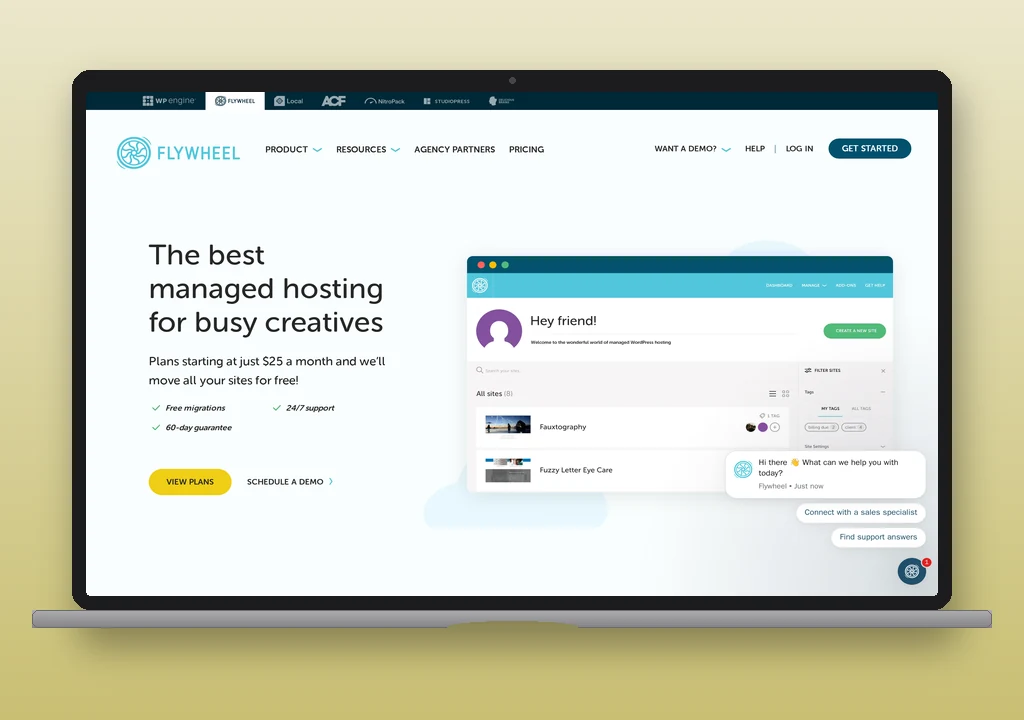
Flywheel preconfigures a SendGrid managed relay for wp_mail. The daily sending limit is plan-dependent and not published; the operator-visible signal that the limit has been hit is a delivery failure with no detailed surface. SMTP ports 465 and 587 are open outbound, port 25 is blocked, which means a Flywheel operator who decides later to add a mailer plugin and front their own relay has a working configuration path. There is no email hosting on Flywheel; mailboxes are elsewhere by design.
Flywheel and WP Engine share infrastructure; Flywheel’s documentation treats the bundled relay as the default path while WP Engine’s discourages relying on it past password resets. Flywheel for managed-WP operators with mailboxes hosted elsewhere (Google Workspace and Fastmail are the common pairings), where the bundled relay being the documented default matters.
Pagely

Pagely routes default wp_mail through MailChannels with no published per-site cap; the documented expectation is fair use, and Pagely directs high-volume senders to a dedicated ESP rather than the bundled relay. The operator action required for clean delivery is an SPF DNS record that includes relay.mailchannels.net; without it, MailChannels-relayed mail fails SPF alignment and is more likely to land in spam. The SPF requirement is the single operator step between “installed WordPress” and “transactional mail delivers.” Pagely’s documentation calls it out clearly.
Pagely is the most expensive entry on the list at $199/month renewal, which reflects an enterprise/agency support tier rather than a feature gap against the other five. The plan covers fewer sites than Pagely’s positioning sometimes implies; the per-site cost is not the comparison point. Pagely belongs on the list for agency and enterprise estates whose primary purchase criterion is support response and uptime guarantees rather than email features specifically, but who would still like the default wp_mail path to work without configuration.
Pressable
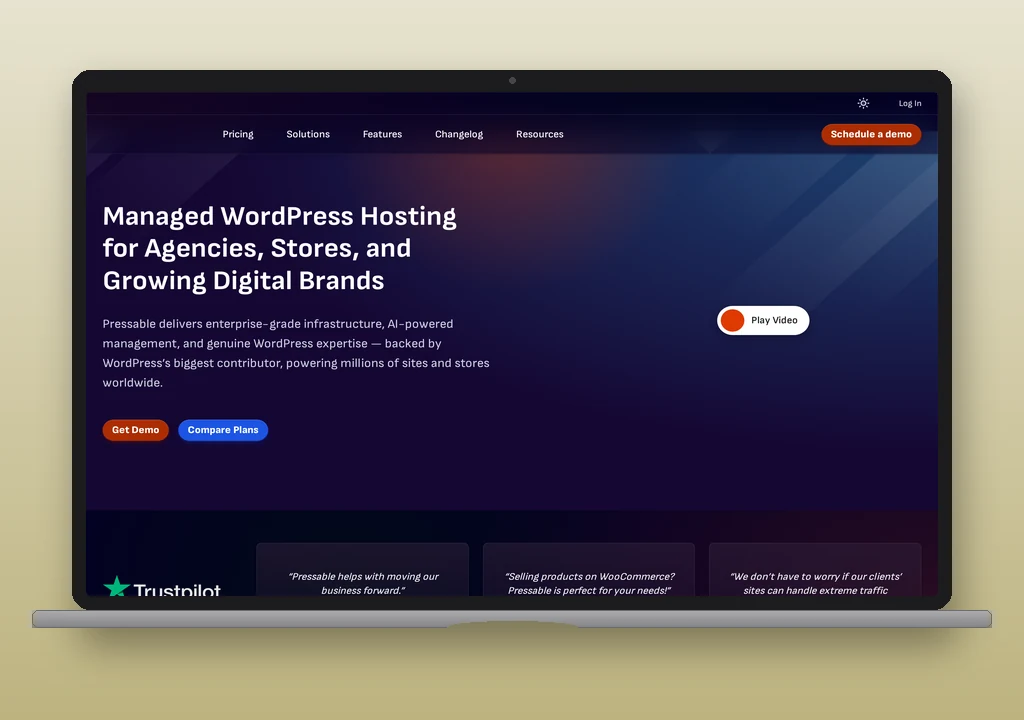
Pressable preconfigures its built-in mail relay. The cap is 200 A transactional email is the automated message a WordPress site sends in response to a single user action – a password reset, an order confirmation, a form receipt – addressed to the user who triggered it. Read full reference → per hour per site, with a maximum of four unique sender addresses in any 24-hour window. The four-sender limit is the trap. A WooCommerce store sending order confirmations from [email protected], customer service emails from [email protected], password resets from [email protected], and shipping notifications from [email protected] is at the per-site sender limit before adding any plugin-originated sender. A fifth distinct From address inside the 24-hour window is rejected by the relay.
Pressable is an Automattic subsidiary, the same parent company that runs WordPress.com and owns WooCommerce. The cap shape suggests Pressable’s intent is to keep the bundled relay for transactional use rather than as a general bulk-email surface, though the documentation does not state it in those terms; readers should treat the 200/hour and four-sender numbers as published policy and the editorial reading of the policy as nanoPost’s. Pressable for small-to-medium WordPress sites whose wp_mail use is genuinely transactional (resets, form submissions, comment notifications); not for WooCommerce at volume.
Presslabs

Presslabs runs WordPress on Kubernetes and targets EU publishers and enterprise customers. Transactional email routes through a SendGrid/Mailgun relay under a fair-use policy, with no published per-site limit and no separate metering. There is no email hosting; mailboxes are configured elsewhere. The entry tier is $99/month, and the customer base is small enough that most WordPress operators reading this list have not heard of Presslabs.
Presslabs is on the list because its EU residency and Kubernetes-based architecture make it the right call for a specific kind of operator: publishers and agencies whose hosting decision has a GDPR or sovereignty axis, and for whom the underlying platform’s container-native posture matters more than the per-site cost. The working wp_mail is a bonus rather than the reason to pick it.
Honourable mentions
Two hosts have a default mail path that falls short of this page’s bar: the host’s own documentation steers operators away from relying on it, or the mail leaves unsigned.
WP Engine‘s relay is the same MailChannels path Pagely uses; the difference is that WP Engine’s documentation discourages relying on it past password resets while Pagely’s does not. WP Engine’s published wording is explicit: “The limit is enough to send a functional amount of emails such as password resets, but will not support a full email campaign.” Operators choosing WP Engine should treat the bundled relay as a password-reset fallback and budget for a mailer plugin from day one.
Liquid Web is two products in one. Its Managed WordPress plans (formerly Nexcess, now sold as Pro and Elite WordPress from $19/month) do send mail out of the box, from the platform’s own servers. The platform’s documentation tells operators to use an external SMTP service instead, and says no mailboxes are included. The VPS and Dedicated tiers run PHP mail() through local Exim or Postfix, unsigned, with the operator responsible for SPF and DKIM if signed delivery is required. Neither tier is on the no-plugin list.
What this list deliberately leaves out
Three hosts in the audited set are excluded because default wp_mail does not work, and naming the reasons matters more than padding the count.
Cloudways is a managed cloud platform that lets operators deploy WordPress on infrastructure from DigitalOcean, AWS, Google Cloud, Vultr, or Linode. The underlying cloud providers block outbound port 25, and Cloudways does not ship a bundled relay to route around the block. The default wp_mail path fails; the operator must add the Elastic Email addon, a Custom SMTP integration, or a mailer plugin. Cloudways is a legitimate host with a clear policy; the policy is incompatible with this page’s question.
Pantheon runs WordPress in containers with dynamically-rotating outbound IP addresses that have no PTR records. PHP mail() and wp_mail() will attempt to send through the container’s local MTA, but the originating IP changes between sends and has no reverse-DNS entry, which means recipient servers reject or junk the messages on reputation grounds. Pantheon documents this and recommends a third-party API-based email service. Unlike Cloudways, the failure is not at the port level; it is at the IP-reputation level, and a mailer plugin is not optional.
iThemes hosting is on the audit list for completeness but is excluded for a different reason: the product was discontinued by Liquid Web. Operators on legacy iThemes plans have been migrated; new sign-ups are not available.
Choosing for your situation
You want one bill, one host, and email-on-domain configured by the host rather than by you. SiteGround. The auto-DKIM is the differentiator; no other host on the list does the bundled-mailbox path with signing.
You are choosing a managed-WP host and email is one of several criteria you do not want to think about post-launch. Kinsta if you accept the via-header; Flywheel if you do not want bundled mailboxes; Pagely if support tier is the dominant axis; Pressable if you run an Automattic-aligned, low-volume site.
You run WooCommerce at volume. None of the six. Pressable’s four-sender daily limit, Kinsta’s per-day cap on lower tiers, and WP Engine’s vendor warning all collide with the WooCommerce sending profile. Install a mailer plugin and front a transactional ESP like Postmark or SendGrid; the full WordPress email setup walkthrough is the path. The default-host question is the wrong one for this operator.
You need EU residency. Presslabs is the obvious pick on this list. SiteGround’s EU data centres are a legitimate fallback for operators where SiteGround’s shared infrastructure fits.
What you still need to do, even on these hosts
“No plugin” is not “no work.” The minimum operator checklist on any of the six featured hosts:
- Add the relay’s SPF include to the domain’s existing SPF record. SiteGround auto-publishes; Pagely, Kinsta, and the MailChannels-fronted hosts require the operator to add
relay.mailchannels.net(or the host’s equivalent). The host’s documentation names the include; nanoPost’s per-host pages link it. - Verify DKIM signing on a test send. Send a
wp_mail()to a mailbox on a different provider (Gmail, Fastmail) and check the message headers fordkim=pass. If DKIM is absent, the default path is incomplete for the operator’s situation and a mailer plugin is the right next step. - Monitor bounces. None of the six hosts surface a per-message delivery log to the WordPress admin. A bounced password reset disappears silently. The mitigation is either operator-side monitoring (a daily test send, an external monitor like
 UptimeRobot’s keyword check applied to the test inbox) or installing a mailer plugin specifically for the logging.
 - Test with Swaks. A standalone test send from the host’s command line surfaces the underlying relay’s behaviour without WordPress in the loop. The first time
wp_mailfails, the Swaks test is what tells the operator whether the problem is in WordPress, in the relay, or in the receiving server.
The six hosts on this list make the no-plugin path viable. They do not make it autonomous.
Pricing footer
| Host | Default path | Cap | Entry price (renewal, USD/mo) | Pricing verified |
|---|---|---|---|---|
| SiteGround | Local sendmail with auto-DKIM | 400/hr (800 on GoGeek/Cloud) | 17.99 | 2026-06-08 |
| Kinsta | MailChannels (DKIM) | 150-3,000/day by plan | 35 | 2026-06-08 |
| Flywheel | SendGrid relay | Plan-dependent, undisclosed | 25 | 2026-06-09 |
| Pagely | MailChannels (SPF required) | No published cap, fair use | 199 | 2026-06-09 |
| Pressable | Built-in relay | 200/hr, 4 senders/24h | 25 | 2026-06-09 |
| Presslabs | SendGrid/Mailgun fair-use | No published cap | 99 | 2026-06-09 |
Corrections
- 2026-10-21: earlier versions listed seven hosts, including Nexcess as the cheapest pick ($19/month) and “the only one that bundles mailboxes at that price”. Nexcess’s managed WordPress, now sold by Liquid Web, does not include mailboxes, and its documentation recommends an external SMTP service over the default mail path, so it does not meet this page’s bar and has moved to the Liquid Web entry under honourable mentions.