
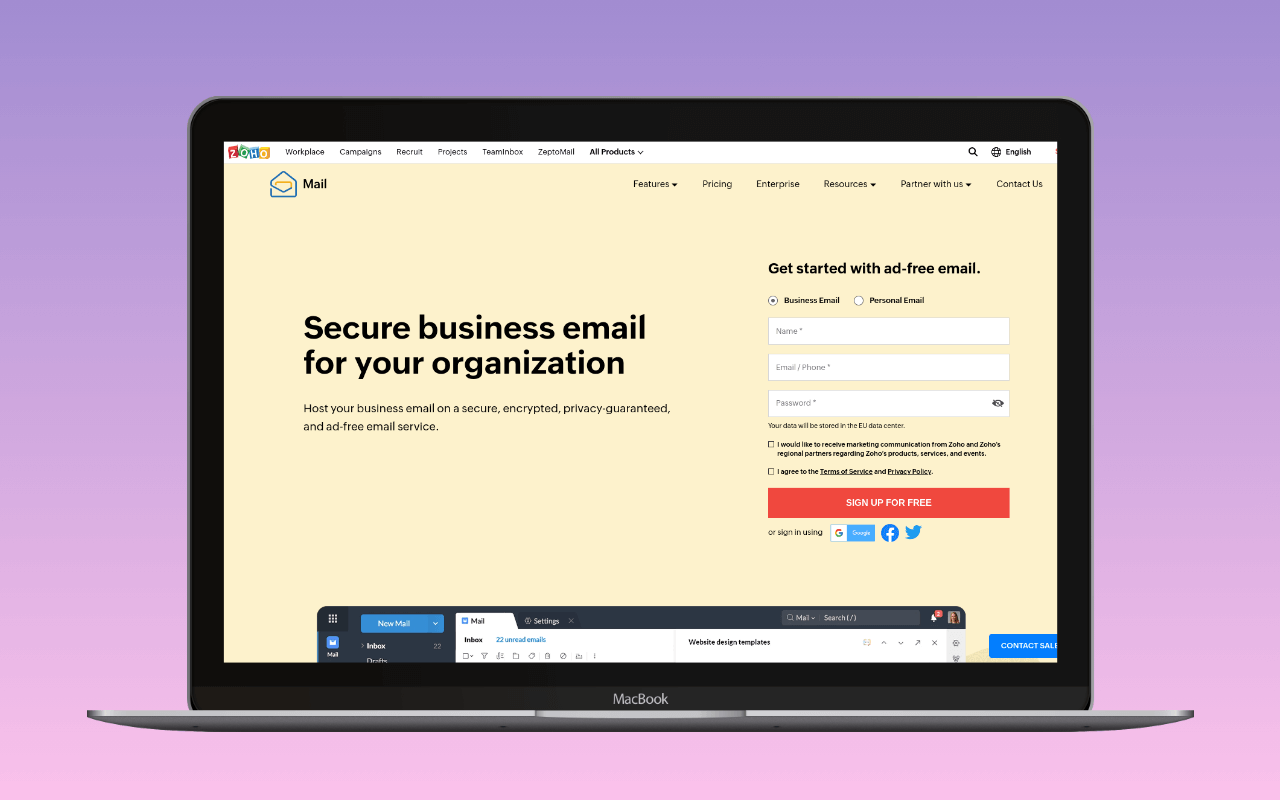
Zoho Mail is a mailbox service – inbox, calendar, contacts – not a dedicated transactional email relay. It competes with Google Workspace and Microsoft 365 as business email hosting. WordPress operators use it as a sending path when they already have Zoho Mail for their team email and want WordPress notifications to come from the same address and infrastructure.
For dedicated transactional email from Zoho (higher volume, deliverability isolation, no mailbox required), see Zeptomail instead.
SMTP settings
| Setting | Value |
|---|---|
| Host (free/personal) | smtp.zoho.com |
| Host (paid org) | smtppro.zoho.com |
| Port | 465 (SSL) or 587 (TLS) |
| Encryption | SSL or TLS |
| Username | Full email address |
| Password | Account password or Less Secure App (LSA) access was Google's name for the third-party authentication path that used a plain account password against Gmail's SMTP, IMAP, and POP endpoints. Google shut it down for consumer accounts on 30 May 2022 and for Workspace accounts on 1 May 2025; OAuth, App Passwords, or a different sending provider replace it. Read full reference → (if 2FA enabled) |
Paid organisation accounts use smtppro.zoho.com; free and personal accounts use smtp.zoho.com. The username is always the full email address. If two-factor authentication is enabled (recommended), generate an App Password from the Zoho account security settings rather than using your main login password.
Sending limits
Zoho Mail enforces hourly limits on a rolling basis:
- External email: 50-500 emails/hour (dynamic, based on sender reputation, recipient engagement, and contact quality)
- Internal email: 1,000 emails/hour
- Recipients per message: 100 (free) or 150 (paid) across To, CC, and BCC combined
Bulk or burst sending is explicitly not permitted under Zoho’s business usage policy. This is a mailbox service, not a relay – if your WordPress site routinely triggers 100+ emails in an hour (large WooCommerce stores, membership sites with bulk notifications), Zoho Mail will throttle or reject messages. Use Zeptomail or a dedicated relay (SMTP2GO, Postmark) instead.
For a typical small WordPress site – contact form submissions, password resets, admin notifications – the hourly limits are never a concern. A site generating 10-20 transactional emails per day operates well within Zoho Mail’s constraints.
Pricing
Zoho Mail is priced as a mailbox service (per-user, not per-email):
| Plan | Price | Storage | Notes |
|---|---|---|---|
| Free | $0 | 5 GB/user | Up to 5 users, 1 domain |
| Mail Lite | $1/user/mo (annual) | 5-10 GB/user | Custom domain, mobile apps |
| Workplace Standard | $3/user/mo (annual) | 30 GB mail + 100 GB team | Full suite (WorkDrive, Writer, etc.) |
| Mail Premium | $4/user/mo (annual) | 50 GB + 50 GB retention | eDiscovery, S/MIME, compliance |
If you are evaluating Zoho Mail purely as a WordPress sending path (not for team mailboxes), the pricing makes no sense – you are paying for a mailbox service to use as a relay. A dedicated relay like SMTP2GO (free for 1,000/month) or Zeptomail ($2.50/10K emails) is cheaper and purpose-built. Zoho Mail as a WordPress sender only makes sense when you already have the mailboxes for other reasons.
Free tier
Zoho Mail’s Free plan is permanent – up to 5 users, 5 GB of mailbox storage per user, and one custom domain. The important caveat comes first: this is a mailbox tier, not a transactional relay. The “free tier” being described is 5 free mailboxes on a business email service that also happens to expose SMTP; the send capacity is a side effect of having a mailbox, not a product SLA.
The exclusions run deep because relay features do not exist on Zoho Mail at any tier. No delivery webhooks, no dedicated IP, no email validation API, no template engine, no per-message tracking. Sending is bounded by Zoho’s dynamic hourly limits (50-500 external emails/hour depending on sender reputation and engagement), with a hard “no bulk or burst sending” policy in the business usage terms. Recipient count per message is capped at 100 across To/CC/BCC on the free plan (150 on paid). This is a mailbox with an SMTP endpoint, priced and shaped as one.
The catch: exceeding the hourly caps or triggering Zoho’s bulk-sending detection puts the account into throttle-or-reject territory, with recovery tied to sender-reputation heuristics rather than a simple time window. A single WooCommerce flash sale that generates 200 order confirmations in an hour can put a Zoho Mail account into the throttled state.
The tier fits a WordPress site whose team already needs 5 mailboxes for its own reasons – a small business running email for its staff that wants password resets and contact form notifications to come from the same domain and infrastructure. It does not fit any site whose primary need is a relay; a dedicated relay (SMTP2GO, Zeptomail) is cheaper, faster to configure, and shaped for the job.
WordPress integration
The WP mail config generator takes a Zoho App Password or the OAuth client details and returns a paste-ready block for the plugin below, so the setup question is which mailer, not which fields to populate.
Zoho Mail plugin – The  Zoho Mail for WordPress plugin (20,000+ active installs, by Zoho) connects via OAuth 2.0 and the Zoho Mail API. No SMTP credentials are stored – the plugin uses OAuth tokens, which is more secure than storing passwords. Setup requires creating a Client ID in the Zoho Developer Console and authorising the plugin. Regional selection matters (zoho.com, zoho.in, zoho.eu, zoho.com.au, zoho.jp).
WP Mail SMTP – WP Mail SMTP Pro includes a dedicated Zoho Mail mailer that handles OAuth configuration. Easy WP SMTP Pro also supports Zoho Mail.
Generic SMTP – Any mailer plugin (FluentSMTP, Post SMTP) can connect to smtp.zoho.com or smtppro.zoho.com using the SMTP settings above. This requires storing the account password (or App Password) in the plugin settings – less secure than the OAuth path.
The OAuth plugin is the better choice when available. SMTP credential storage means a plugin vulnerability could expose your Zoho account password.
Zoho Mail vs Zeptomail
| Zoho Mail | Zeptomail | |
|---|---|---|
| Purpose | Mailbox (inbox + sending) | Transactional relay (sending only) |
| Pricing | Per-user ($0-4/mo) | Per-email ($2.50/10K) |
| Volume | 50-500/hour | No practical hourly limit |
| Authentication | OAuth or password | Send Mail Token |
| Marketing email | Via Zoho Campaigns | Not permitted |
| Plugin | Zoho Mail for WP (OAuth) | Zoho ZeptoMail (API token) |
Use Zoho Mail when: you already have Zoho mailboxes for your team, your WordPress site sends under 50 emails per day, and you want everything on one Zoho account.
Use Zeptomail when: you need higher volume, want deliverability isolated from your mailbox reputation, run multiple WordPress sites, or don’t need a mailbox at all.
Assessment
Zoho Mail is not a transactional email service. It is a mailbox service that happens to have SMTP access and a WordPress plugin. For WordPress operators already using Zoho Mail for business email, routing site notifications through that same account is a reasonable zero-cost addition – no extra service to sign up for, no extra credentials to manage, and the sending volume constraints rarely matter for typical small-site transactional email.
The free plan (5 users, 5 GB, one domain) covers a small team’s email needs including WordPress sending. Mail Lite at $1/user/month is among the cheapest business email options available, competitive with Google Workspace’s entry tier.
The cases where Zoho Mail works as a WordPress sender:
- Small sites sending under 50 emails/day through an existing Zoho Mail account
- Operators who want one vendor for mailbox + WordPress sending and accept the volume constraint
- Sites where the OAuth plugin path (no stored passwords) is a security advantage over SMTP credential storage
The cases where you should use something else:
- Any volume above 50/day: a dedicated relay (SMTP2GO, Zeptomail, Postmark) handles this without throttling risk
- WooCommerce stores: order confirmations, shipping notifications, and review requests can easily exceed hourly limits during peak periods
- No existing Zoho relationship: signing up for Zoho Mail just to relay WordPress email is backwards; use a free-tier relay instead
For the broader setup that places Zoho Mail inside the WordPress email stack, see the WordPress email setup guide.
SMTP settings verified June 2026 against zoho.com/mail/help/zoho-smtp.html. Sending limits verified against zoho.com/mail/help/adminconsole/rates-and-limits.html. Pricing verified against zoho.com/mail/zohomail-pricing.html. Plugin data from wordpress.org.