
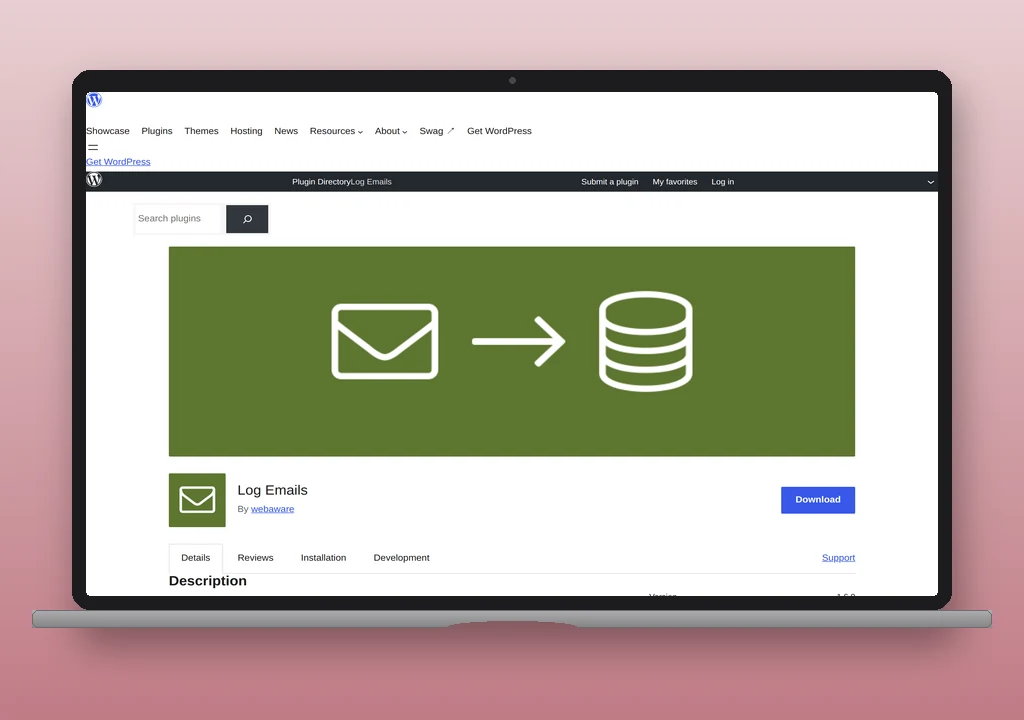
Log Emails hooks wp_mail to record the call arguments and then commits the actual log entry from the phpmailer_init action. That second hook is the one that matters: anything that does not pass through phpmailer_init is invisible to the plugin, regardless of what the wp_mail filter saw. Inside that constraint the plugin is a clean, narrowly scoped logger from the same vendor as Disable Emails, with which it pairs naturally on a development environment.
The plugin is maintained by  WebAware, the Australian developer behind Disable Emails. Active installs sit above 6,000, the rating averages 5.0 across 11 reviews, and the current release (1.6.0, May 2026) tests against WordPress 7.0. The plugin requires WordPress 4.6 and PHP 7.4, ships under GPLv2 or later, and is free and donation-supported. There is no paid tier.
What it records
Each captured email becomes one post in a private custom post type (log_emails_log) whose admin screen lives at Tools > Log Emails. The post title carries the subject; the post content carries the message body; meta fields carry From (name and address), To, CC, BCC, Reply-To (added in 1.6.0), Content-Type, and the alternative plain-text body when present. Attachments are not recorded; the plugin reads Subject, Body, AltBody, and the From/Content-Type fields off the PHPMailer object and stops there.
The plugin removes the pre_post_content and content_save_pre filters before calling wp_insert_post, so KSES and other body sanitisers do not strip the message during storage. A log_emails_pre_insert action lets a site put filtering back if it wants to. The result is that the body in the log matches the body that would have been sent, including raw HTML that core would otherwise have rewritten.
The list table on the admin screen sorts and searches by subject and by recipient addresses (From, To, CC, BCC). The detail view renders the full headers, the body and alt body, and the Reply-To addresses. There is no resend action, no test-send tool, and no sender override; this is a logger, not a mailer-adjacent utility.
Where it hooks, and what falls out of view
Three hooks, all registered at priority 99999 so they run after every other listener on the chain:
wp_mailfilter: records the function’s arguments (to,subject,message,headers,attachments) into a class property and returns the args untouched.phpmailer_initaction: instantiates the log post, pullingBody,AltBody,Subject,From,FromName, andContentTypeoff the PHPMailer object and merging in the headers captured from the earlier filter.bp_email_set_tofilter: a BuddyPress fallback that records the recipient list when BuddyPress builds outbound mail through its own pipeline rather than callingwp_maildirectly.
The capture point is phpmailer_init. The wp_mail filter records args but does not write to the database; if phpmailer_init never fires, no log post is created. Three patterns trip this:
- A plugin that short-circuits
wp_mailvia thepre_wp_mailfilter (added in WordPress 5.7 for exactly this purpose). The function returns the plugin’s response immediately and neither thewp_mailfilter norphpmailer_initruns. HTTP-API integrations in modern Pro-tier mailers and transactional plugins are the usual users of this path; the per-product specifics are the operator’s to confirm. - A plugin that calls PHP’s
mail()directly without going throughwp_mail. Rare in modern releases, present in older or single-purpose plugins. - A plugin that builds and ships its own outbound entirely (a marketing plugin with a bundled SDK, a transactional integration that calls a provider HTTP API from its own code).
Standard SMTP-mode operation in WP Mail SMTP, FluentSMTP, Post SMTP, and host-provided SMTP all let core’s wp_mail proceed through PHPMailer, so phpmailer_init fires and the message is captured. The mode where coverage breaks is the provider-API mode in those same plugins, where the send never touches PHPMailer.
Password obfuscation
Before each log post is inserted, the plugin runs the body and alt body through a regex that redacts any line containing the word “password” (case-insensitive). The replacement string is *** password redacted ***. The check is extended to the locale’s translation of “password” when the active locale is not English, so a German site obfuscates Passwort the same way.
The match is line-based and substring-based: anything between two line breaks that contains the literal “password” anywhere in it is redacted whole, not just the credential. A line that mentions a password policy in passing is redacted as aggressively as a line that leaks one. That is conservative on the privacy side and a source of false positives on the readability side; logged emails about password resets often render as a wall of redaction notices instead of the original copy.
This is also the entire privacy story. The plugin does not redact tokens, API keys, magic-link URLs, or anything else that a contact form or transactional plugin might put into a body. Treating the log table as containing personal data under GDPR or equivalent regimes remains the right default.
Purging, retention, uninstall
The plugin schedules a daily WP-Cron event (log_emails_purge) that deletes log posts older than the configured retention window. The single setting, at Settings > Log Emails, is the number of days to keep. The default is 30. Setting it to 0 disables purging entirely; every log is kept until manually deleted.
Storage cost is one wp_insert_post() call per outbound email. On a site sending a few hundred messages a day the table grows at the same rate as a publishing site posting a few hundred posts a day: noticeable in wp_posts row counts, invisible in real-world performance.
Uninstall removes the log_emails_limit_days option, clears the scheduled purge, and hard-deletes every log_emails_log post via wp_delete_post($post_id, true). There is no orphan cleanup concern after the plugin is removed.
A 2016 security fix (1.1.0) tightened access so that logged-in non-admin users could no longer read any log by guessing post IDs. Since then the CPT’s capabilities have been mapped to activate_plugins, with read_private_posts and publish_posts both set to do_not_allow. Only users who can install plugins see the log.
Where it sits against alternatives
Check & Log Email is the standalone-logger comparison. It hooks the wp_mail filter directly rather than recording through phpmailer_init, which means the API-mode coverage gap that catches Log Emails does not apply. The free version also ships a resend action, a test-send tool with custom headers, and a richer list-table UI. Active installs sit above 100,000. On a production site that needs logging only, Check & Log Email is generally the recommended choice.
WP Mail SMTP free does not log. The Pro tier ($49+/year) does. Log Emails is the path for the operator who wants logging on a working WP Mail SMTP free install and is not paying for Pro.
FluentSMTP and Post SMTP both include logging in their free versions. Adding Log Emails on top of either is duplication; the mailer’s own log covers the SMTP-mode path, and the API-mode path that defeats Log Emails is also where the mailer’s internal log has the advantage of seeing the request directly.
Disable Emails, from the same vendor, is the canonical pairing. Disable Emails replaces wp_mail with a no-op so nothing leaves the box; Log Emails records what would have been sent. Together the pair is the standard “capture but do not deliver” setup for staging, development, and freshly imported environments. Disable Emails fires the standard post-send actions through its PHPMailer mock, so phpmailer_init runs and Log Emails captures normally.
Assessment
Log Emails is the right install on a development or staging environment paired with Disable Emails. The vendor designed the two together, the coverage they share is whatever passes through wp_mail and phpmailer_init, and that is the set the operator wants to inspect. The pair is free, narrowly scoped, and survives a database refresh without configuration drift.
It is the second-best free choice on a production site that needs logging without paying for it. Check & Log Email’s wp_mail-filter capture point sees the messages Log Emails misses, the resend action covers the recovery case Log Emails cannot, and the install base reflects the trade-off. The case for picking Log Emails over Check & Log Email on a production site is narrow: a preference for the smaller, more focused plugin, an existing relationship with the WebAware ecosystem, or a desire to mirror a dev environment that already runs the pair.
It is the wrong install on a site whose outbound mail ships through a provider HTTP API via pre_wp_mail. The capture point fires too late in the pipeline to see those messages. For that configuration the logger built into the mailer plugin, or a transport-level capture such as Mailpit or a host-side queue, is the correct layer. Sites whose mail is silently failing for unknown reasons should start at the WordPress email troubleshooting guide before changing the logger; the logger is a diagnostic surface, not a fix.
For the broader setup the plugin slots into, see how to set up WordPress email.
Plugin data verified June 2026 against  wordpress.org/plugins/log-emails and the plugin source on the WordPress plugin SVN.