
WordPress email problems have three moving parts: the plugin that triggers the email, the mailer plugin that routes it, and the SMTP server that sends it. When mail breaks, the fastest way to find the fault is to remove the first two and talk to the SMTP server directly.
 Swaks (Swiss Army Knife SMTP) does exactly that. It is a single-file Perl script that opens an SMTP session from the command line, testing connectivity, authentication, TLS, and delivery without WordPress or PHP in the loop. The script lives at jetmore.org with a mirror on
  GitHub.
This guide covers the diagnostic side. For the initial WordPress email configuration that swaks is used to verify, see How to set up email on WordPress.
Before you start
This walkthrough assumes:
- The mail server accepts messages over SMTP, not a provider-specific API (Mailgun HTTP API, Amazon SES API, etc.). API-based connections bypass SMTP entirely and cannot be tested with Swaks.
- You have SSH access to the server where WordPress runs and are comfortable with the Linux command line.
What is Swaks?
Swaks opens an SMTP session from the command line, runs through the SMTP transaction (EHLO, AUTH, MAIL FROM, RCPT TO, DATA), and prints every line of the exchange. That transcript is the diagnostic: it shows exactly where the conversation succeeds or fails.
Relevant capabilities for WordPress SMTP testing:
- Authentication methods: LOGIN, PLAIN, CRAM-MD5, DIGEST-MD5 (covers every method WordPress mailer plugins use).
- STARTTLS and implicit TLS.
- Custom headers, body, and attachments.
- Full SMTP transaction log with server response codes.
Prerequisites
- SMTP credentials: hostname, port, encryption type, username, and password for the mail server your WordPress site sends through. These are the same values configured in your mailer plugin (WP Mail SMTP, FluentSMTP, Post SMTP, Gmail SMTP, or any of the other major mailers).
- Swaks installed on the WordPress server: install from the official instructions or your distribution’s package manager (
apt install swaks,dnf install swaks). Install on the same server as WordPress; this ensures the test reflects the same network path, firewall rules, and DNS resolution that WordPress uses.
Testing WordPress SMTP with Swaks
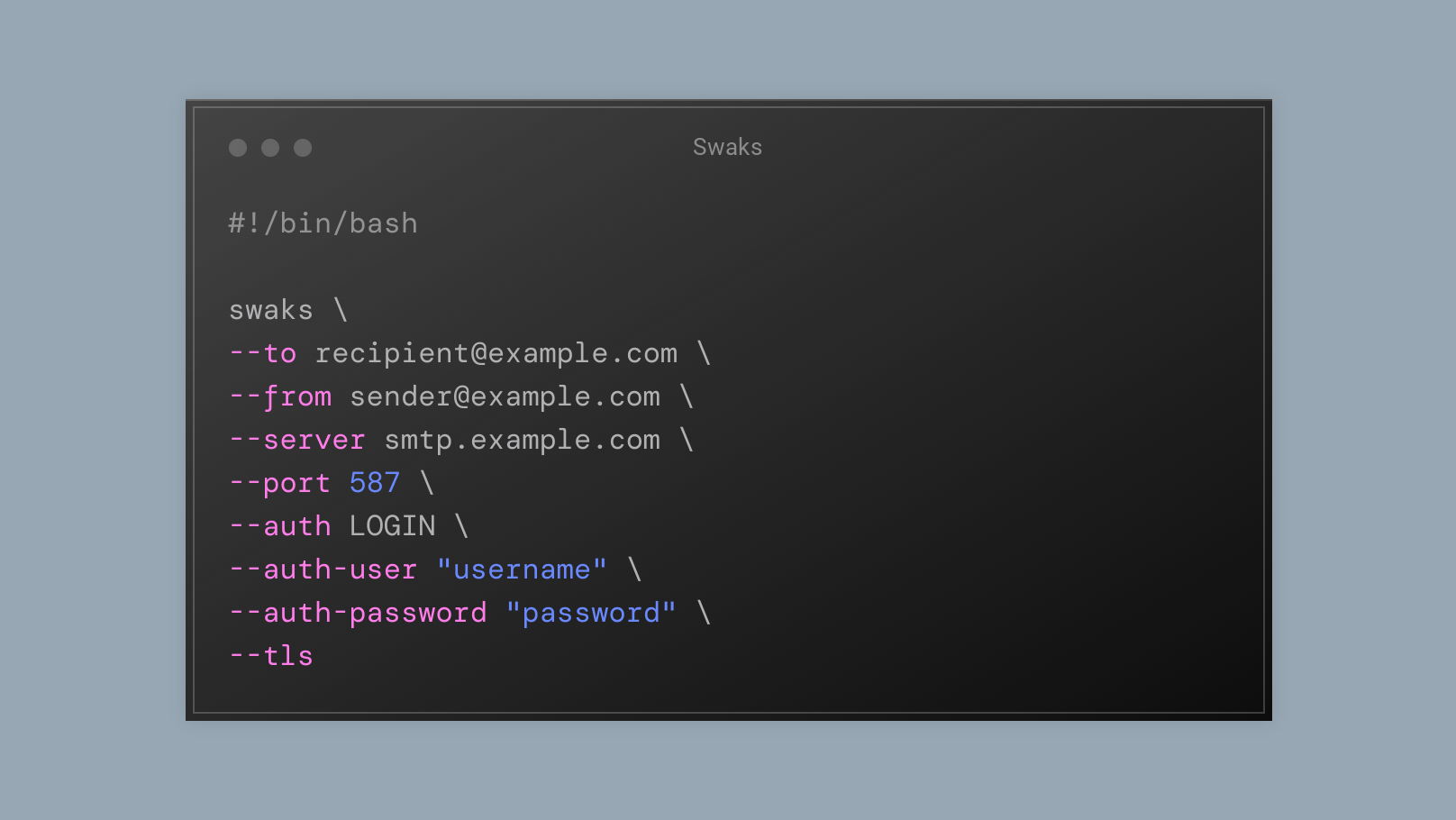
Each step isolates one variable: connection, then authentication, then a full send. A complete Swaks command looks like this:
swaks --to [email protected] --from [email protected] --server smtp.example.com --port 587 --auth LOGIN --auth-user "username" --auth-password "password" --tlsThe full option reference is in the Swaks base documentation.
Step 1: Test the connection
Save the following as swaks_test.sh:
#!/bin/bash

swaks \
--server smtp.example.com \
--port 587
Replace smtp.example.com and 587 with your SMTP server’s hostname and port. Then make it executable and run it:
chmod +x swaks_test.sh
./swaks_test.sh
If the connection succeeds, Swaks prints a To: prompt, meaning it connected and is waiting for a recipient. Press Ctrl+C to exit.
If it fails here, the problem is network-level: wrong hostname, wrong port, firewall blocking the connection, or the hosting provider blocking outbound SMTP (common on shared hosts; see the troubleshooting section below).
Step 2: Test email delivery
Add sender/recipient addresses to test whether the server accepts a message. Replace the placeholder addresses with real values:
#!/bin/bash

swaks \
--to [email protected] \
--from [email protected] \
--server smtp.example.com \
--port 587
The server will reject the message with 530 5.7.1 Authentication required. This is expected. The point of this step is to confirm that the SMTP session reaches the MAIL FROM stage, proving that the connection and EHLO handshake work:
== Trying smtp.example.com:587...
=== Connected to smtp.example.com.
<-  220 smtp.example.com ESMTP ready
 -> EHLO yourserver.hosting.com
<-  250-smtp.example.com
<-  250-SIZE 5242880
<-  250-PIPELINING
<-  250-ENHANCEDSTATUSCODES
<-  250-8BITMIME
<-  250-DSN
<-  250-AUTH PLAIN LOGIN CRAM-MD5
<-  250 STARTTLS
 -> MAIL FROM:<[email protected]>
<** 530 5.7.1 Authentication required
 -> QUIT
<-  221 2.0.0 Bye
=== Connection closed with remote host.
The -> lines are what Swaks sent; the <- lines are server responses; <** marks a server-side rejection (the three-digit SMTP status code on that line is what to read first). Note the 250-AUTH PLAIN LOGIN CRAM-MD5 line in the EHLO response: it lists the authentication methods the server supports. Match the --auth flag in the next step to one of these.
Swaks has no -v “verbose” flag; the full transcript above is the default output. The opposite is --silent / -S: -S 1 suppresses output unless an error occurs (then prints the full transcript), -S 2 prints only errors, -S 3 prints nothing at all.
Step 3: Test authentication and TLS
Add authentication and TLS. Use the same credentials configured in your WordPress mailer plugin:
#!/bin/bash

swaks \
--to [email protected] \
--from [email protected] \
--server smtp.example.com \
--port 587 \
--auth LOGIN \
--auth-user "username" \
--auth-password "password" \
--tls
--auth-password on the command line ends up in shell history and in ps output. Restrict the script with chmod 700 swaks_test.sh, or pass the password via --auth-password reading from a file with swaks ... --auth-password $(cat ~/.swaks-pass), or use --auth-hide-password to mask it in the transcript Swaks prints.
A successful authentication and delivery produces 250 2.0.0 Ok: queued:
=== Trying smtp.example.com:587...
=== Connected to smtp.example.com.
<-  220 smtp.example.com ESMTP ready
 -> EHLO yourserver.hosting.com
<-  250-smtp.example.com
<-  250-SIZE 5242880
<-  250-PIPELINING
<-  250-ENHANCEDSTATUSCODES
<-  250-8BITMIME
<-  250-DSN
<-  250-AUTH PLAIN LOGIN CRAM-MD5
<-  250 STARTTLS
 -> AUTH CRAM-MD5
<-  334 PDE4NTY1MzM3NDQuMTY4MTI5NTE2NkBzbXRwLmV4YW1wbGUuY29tPg==
 -> cGFzc3dvcmQ=
<-  235 2.0.0 OK
 -> MAIL FROM:<[email protected]>
<-  250 2.1.0 Ok
 -> RCPT TO:<[email protected]>
<-  250 2.1.0 Ok
 -> DATA
<-  354 Go ahead
 -> Date: Wed, 12 Apr 2023 10:26:06 +0000
 -> To: [email protected]
 -> From: [email protected]
 -> Subject: test Wed, 12 Apr 2023 10:26:06 +0000
 -> Message-Id: <[email protected]>
 -> X-Mailer: swaks v20190914.0 jetmore.org/john/code/swaks/
 ->
 -> This is a test mailing
 ->
 ->
 -> .
<-  250 2.0.0 Ok: queued
 -> QUIT
<-  221 2.0.0 Bye
=== Connection closed with remote host.
The 250 2.0.0 Ok: queued response confirms the mail server accepted the message for delivery. Check the recipient inbox (including spam/junk) to verify end-to-end delivery. For a full walkthrough of SMTP response codes and session structure, see How to read an SMTP session log.
What a successful Swaks test proves
A 250 Ok: queued response from Swaks confirms four things:
- Network path: the WordPress server can reach the SMTP server on the configured hostname and port. No firewall, DNS, or routing issues.
- Authentication: the username, password, and auth method are accepted.
- TLS: if
--tlswas used, the server’s certificate is valid and the encryption negotiation succeeded. - Server accepts mail: the SMTP server queued the message for delivery.
One thing it does not prove: that the message reaches the recipient’s inbox. The SMTP server accepted the message, but it may still be rejected downstream (spam filters, relay configuration, DNS-based reputation checks). If Swaks succeeds but mail never arrives, the failure is on the mail server’s outbound relay or the recipient’s inbound filtering – both sit outside what this test can see.
If Swaks succeeds and mail arrives, the SMTP layer is clean. Any remaining WordPress email problems are in the plugin stack: the mailer plugin configuration, the contact form, or wp_mail() itself.
For testing the WordPress side of the chain (once you have confirmed the SMTP server works), see How to test WordPress email with Mailtrap.
Troubleshooting: when Swaks fails
If Swaks cannot complete the SMTP transaction, the fault is between the WordPress server and the mail server, not in WordPress itself. Common failure points:
| Symptom | Likely cause | Fix |
|---|---|---|
| Connection timeout / “Network is unreachable” | Wrong hostname or port; firewall blocking outbound SMTP | Verify hostname and port. Many shared hosts block port 25; try 587 (submission) or 465 (implicit TLS). Contact the host if all SMTP ports are blocked. |
530 Authentication required or 535 Authentication failed |
Wrong username, password, or auth method | Double-check credentials. Match --auth to a method listed in the server’s EHLO response. |
| TLS handshake failure | Port/encryption mismatch; expired certificate | Port 587 typically uses STARTTLS (--tls). Port 465 uses implicit TLS (--tlsc). Mixing them up fails silently. |
550 Relay denied or 553 Sender address rejected |
The --from address is not authorised on this server |
Use the exact sender address configured in the provider’s dashboard. |
If the Swaks test fails, the mail server (or the network path to it) is the problem. Fix it at that layer before returning to debug WordPress plugins.