
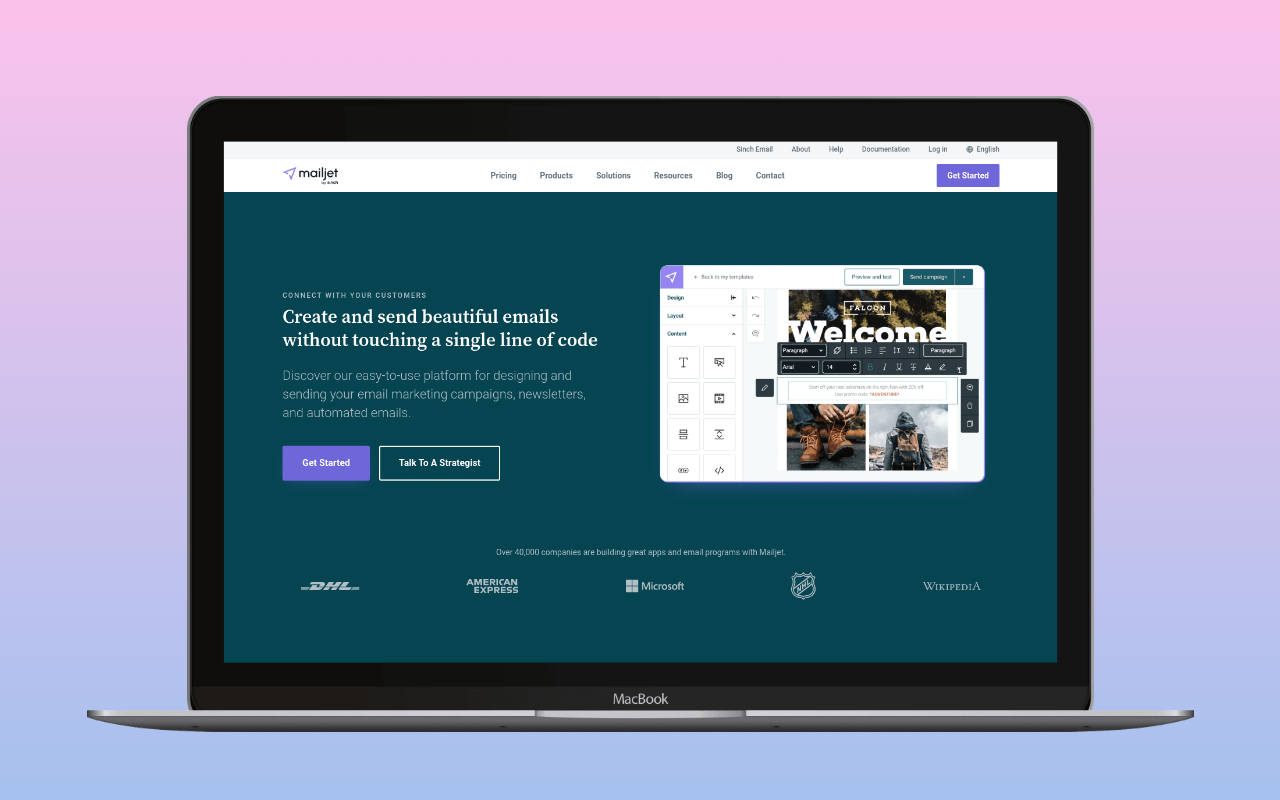
Mailjet is a Paris-headquartered email platform (part of Sinch since 2021, the same parent as Mailgun) that runs marketing campaigns and transactional email through a single WordPress-friendly account. Its sending infrastructure sits inside the EU: Google Cloud data centers in Frankfurt and Saint-Ghislain (Belgium), covered by a standard GDPR DPA. For a WordPress site whose reader base and legal footprint are in Europe, that is a genuinely useful default.
The free tier sends 6,000 emails per month (200/day cap) with full SMTP and API access – enough headroom for most low-volume WordPress sites to run transactional and light newsletter traffic on one account without paying anything at signup.
SMTP settings
| Setting | Value |
|---|---|
| Host | in-v3.mailjet.com |
| Port | 587 (TLS, recommended) |
| Encryption | TLS |
| Authentication | Login |
| Username | Your Mailjet API key |
| Password | Your Mailjet secret key |
Alternative ports: 465 (SSL) and 25 (often blocked by hosting providers).
Generate SMTP credentials in the Mailjet dashboard under SMTP and SEND API Settings in the Senders & Domains section. These are the same API key and secret key used for Mailjet’s API – unlike Mailgun, which uses separate per-domain SMTP credentials.
Add Mailjet’s SPF and DKIM records to your domain’s DNS before sending production email. If the domain already carries a forwarding include or another sender in its SPF record, the SPF merger folds include:spf.mailjet.com into the existing string and counts the DNS lookups against RFC 7208’s ten-lookup ceiling. Once the records are live, the DNS auth checker reads Mailjet’s SPF include and the mailjet._domainkey selector the way receivers resolve them, so a stale nameserver or a mistyped selector shows up before real traffic does. After that, verify with swaks that messages authenticate correctly.
Pricing
Mailjet’s pricing covers both marketing and transactional email in a single volume allocation. There is no separate transactional tier.
| Plan | Price | Volume | Notes |
|---|---|---|---|
| Free | $0 | 6,000 emails/mo (200/day) | Full API/SMTP. Mailjet logo on emails. No credit card. |
| Starter | $9/mo | 8,000 emails/mo | 2,000 contacts. Basic support. Logo still present. |
| Essential | $19/mo | 15,000 emails/mo | Logo removed. Unlimited contacts. Segmentation. 500 email validations. |
| Premium | $29/mo | 15,000 emails/mo | A/B testing. Marketing automation. |
Annual billing saves 10%: the 15,000-a-month plan that drops the logo is $17.10/month billed annually.
For WordPress transactional email only, the free tier’s 6,000/month is workable for small sites. The 200/day cap is the practical constraint: a WooCommerce store sending order confirmations, shipping notifications, and password resets draws from the same pool as any marketing campaigns on the account. The SMTP cost calculator compares Mailjet against Brevo, Postmark, SMTP2GO, Mailgun, and Amazon SES at whatever monthly volume the site actually sends.
Free tier
The free plan has no stated expiry. It covers 6,000 emails/month with a 200/day cap and full SMTP and API access, and needs no credit card at signup. Both marketing and transactional email run through the same allowance; there is no separate transactional-only tier.
Free-tier messages carry a “sent by Mailjet” line in the footer. The cheapest plan without it is the 15,000-a-month plan at $19/month ($17.10/month billed annually); the $9 plan for 8,000 a month keeps the logo. Worth knowing when the account is going to send transactional mail from a business domain, since removing the branding is a paid-tier switch rather than a configuration option.
Other exclusions: contact list size is capped at 1,000 on Free and 2,000 on the $9 plan, email validations are on Essential and up, and marketing automation lives on Premium. Free-tier sending uses Mailjet’s shared IP pool. Mailjet keeps statistics and campaigns for 90 days on Free and 13 months on paid plans. A downgrade from paid to Free brings the 90-day limit in after a 60-day grace period.
The 200/day cap is the shape to plan around: 6,000/month averages 200/day, so the daily rate limit lines up with the monthly cap without headroom. A single busy WooCommerce day can absorb the daily allowance, and any marketing campaign run through the same account competes for the same pool.
The tier fits a WordPress site already using Mailjet for marketing, a dev or staging account testing the SMTP integration, or a small EU-based site that wants one account for both marketing and transactional and is comfortable with a Mailjet-branded footer while it stays on the free plan.
New accounts
A new Mailjet account can start with a much lower limit than the plan’s.  Mailjet’s account article describes a Test Mode capped at 10 emails per hour. To lift it, you answer Mailjet’s email with the requested details; Mailjet says its team will review them and respond within one business day, and that upgrading to another plan will not remove the limit. The same article says a new customer subject to an hourly sending limit must show good email performance for at least one week, then ask Support for a review. It does not give that limit’s number, say how it relates to Test Mode, or say which new accounts get either one.
Before any send, Mailjet must verify that you own the address or domain. New signups also get Premium features for 30 days before moving to the Free plan, and the 200-a-day limit stays in effect throughout.
Past 200 in a day, emails queue and typically send the following day. Mailjet removes emails still in the queue after 3 days without delivering them. At 400 days of inactivity it sends a final notice, then deletes the Free account.
WordPress integration
For the step-by-step install order (generate the API key + secret key pair, verify the sending domain, wire the mailer plugin, first test send), see Mailjet plugin for WordPress. The section below is the plugin-path comparison; the how-to is the setup walk-through.
The WP mail config generator returns the WP Mail SMTP settings for Mailjet, with placeholders for your API key and secret key.
Three paths:
Mailjet WordPress plugin –  Mailjet for WordPress sends over SMTP, not the API. With sending enabled, it hooks
phpmailer_init and points WordPress’s own mailer at in-v3.mailjet.com, with the API key and secret key as the SMTP username and password, so it needs an open outbound SMTP port like any other SMTP setup. It also includes contact list management and campaign features from the Mailjet dashboard – useful if you run marketing campaigns through Mailjet alongside transactional email.
A mailer plugin’s Mailjet mailer – WP Mail SMTP, Post SMTP, Easy WP SMTP, SureMail, Meow Mailer and YaySMTP each ship a dedicated Mailjet mailer that sends through Mailjet’s Send API over HTTPS. Select Mailjet as the mailer, enter the API key and secret key. This is the better choice if you want the plugin’s email logging and fallback features without the marketing plugin overhead, or if the host blocks outbound SMTP ports.
Generic SMTP – Any mailer plugin can connect to in-v3.mailjet.com using the credentials above, including FluentSMTP, which has no Mailjet mailer, and the plugins above in their “Other SMTP” mode. This path works when Mailjet is just the relay.
Verdict
Mailjet fits WordPress sites already running Mailjet marketing campaigns, and EU-based sites that want a single provider handling both directions of email under a European DPA. The 6,000/month free tier is enough headroom to test the SMTP integration or run a small site without immediate spend, and paid tiers ($9 Starter, $19 Essential, $29 Premium) keep the same marketing-plus-transactional shape as the account scales. The Sinch corporate context – same parent as Mailgun, separate product – matters mainly for buyers who want a stable owner; Mailjet is the marketer-facing platform in the group, Mailgun the developer-facing one.
Sites that need branding-free free-tier sending from day one can look at Resend (3,000/month free, no branding). Sites where transactional is the only job and marketing is not on the roadmap will find SMTP2GO (1,000/month free) or Postmark ($15/month for 10,000 with 45-day log retention) purpose-built for that pattern.
For the broader setup that places Mailjet inside the WordPress email stack, see the WordPress email setup guide.
Pricing and tier structure verified November 2026 against mailjet.com/pricing. Statistics retention and dedicated IP terms verified against Mailjet’s help centre. Data center locations verified against mailjet.com/legal/security-privacy/. SMTP settings verified against Mailjet documentation. WordPress plugin paths checked 2026-10-23 against the plugins’ source code.
Corrections
- 2026-11-13: an earlier version left Meow Mailer and YaySMTP out of the plugins with a Mailjet mailer. Both ship one in their free versions.
- 2026-11-11: an earlier version said SMTP2GO’s free plan adds no branding to messages, which SMTP2GO does not state.
- 2026-11-09: an earlier version named Brevo as a free tier with no forced footer. Brevo says emails from its Free plan always include its “Sent with Brevo” sticker.
- 2026-10-21: an earlier version said Mailjet had been part of Sinch since 2019. Mailjet joined Mailgun’s parent Pathwire in 2019; Sinch bought Pathwire in 2021.
- 2026-10-23: an earlier version said the Mailjet for WordPress plugin replaces
wp_mail()and sends through Mailjet’s API, and listed Post SMTP under generic SMTP. The plugin sends over SMTP throughin-v3.mailjet.com; Post SMTP, Easy WP SMTP and SureMail ship native Mailjet mailers alongside WP Mail SMTP. - 2026-11-04: an earlier version said log retention was 30 days on paid plans, listed a dedicated IP as an add-on from Premium up, and gave 500 validations on every plan from Essential up. Mailjet keeps statistics and campaigns for 13 months on paid plans and 90 days on Free, a dedicated IP needs a Premium plan of 100,000 emails a month or more and a request to Mailjet, and Premium plans from 100,000 a month include 2,000 validations.
- 2026-11-05: an earlier version said the WP mail config generator took a Mailjet API key and secret key and returned a block for the plugin. The generator takes no credentials: it returns WP Mail SMTP settings with both keys left as placeholders.